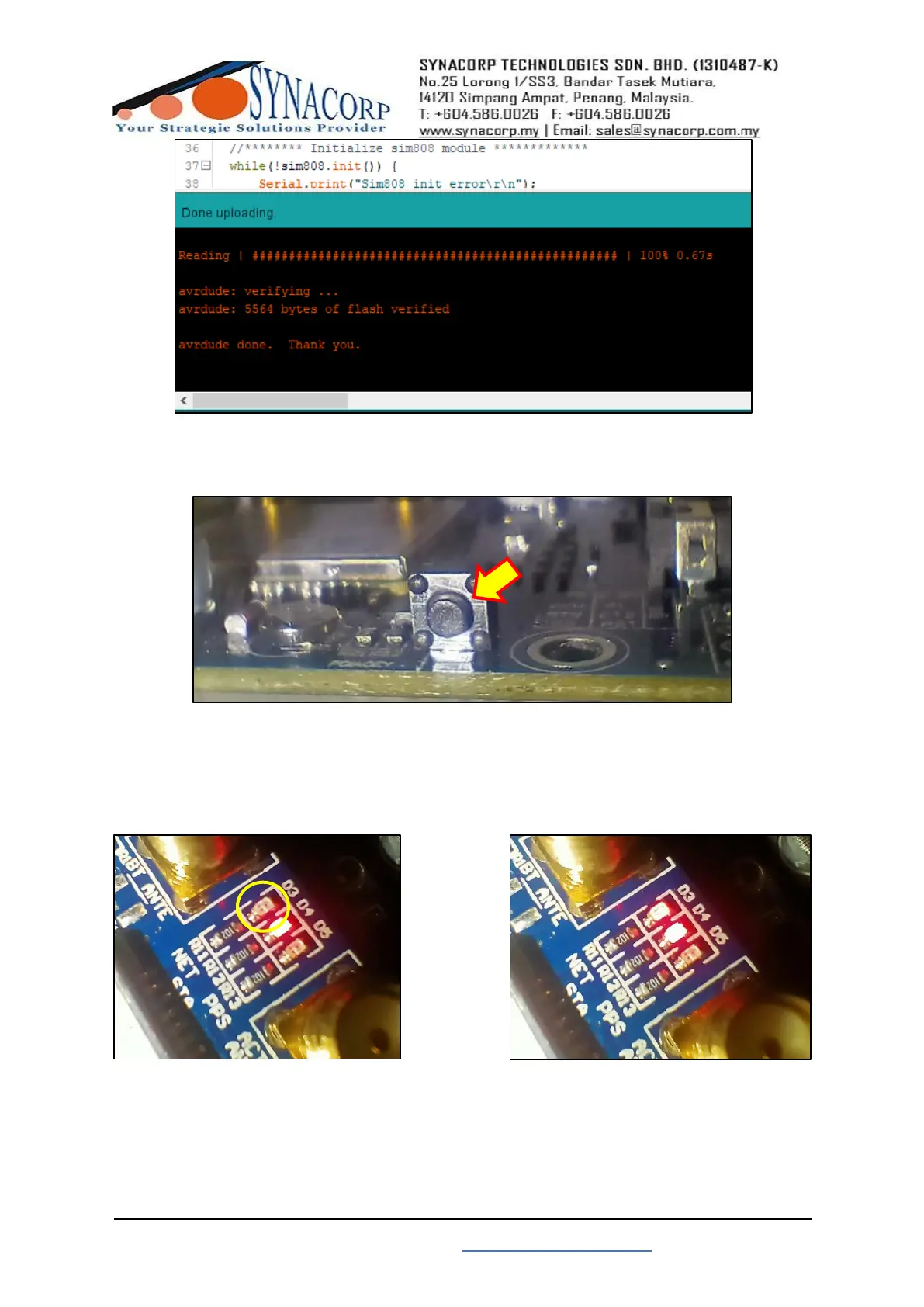
6. Powered on your Arduino Uno & SIM808 and then press the start button on your SIM808 to
start.
7. Observe the D3 Led. When successfully contact to service provider the LED will blink. It
takes 3 seconds for each blink to occur, less than that means it still not able to contact service
provider. (Side note: Sometime it take a while to contact service provider. Depends on the
SIM card service provider signal strength).


 To Next Page
 Loading...