7. Keep the Valtrack app open on your smartphone.
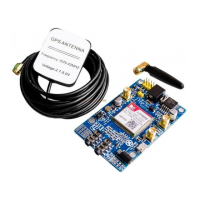
8. Power on your SIM808 and press the start button again to start.
9. Open serial monitor and set it on 9600-baud frequency.
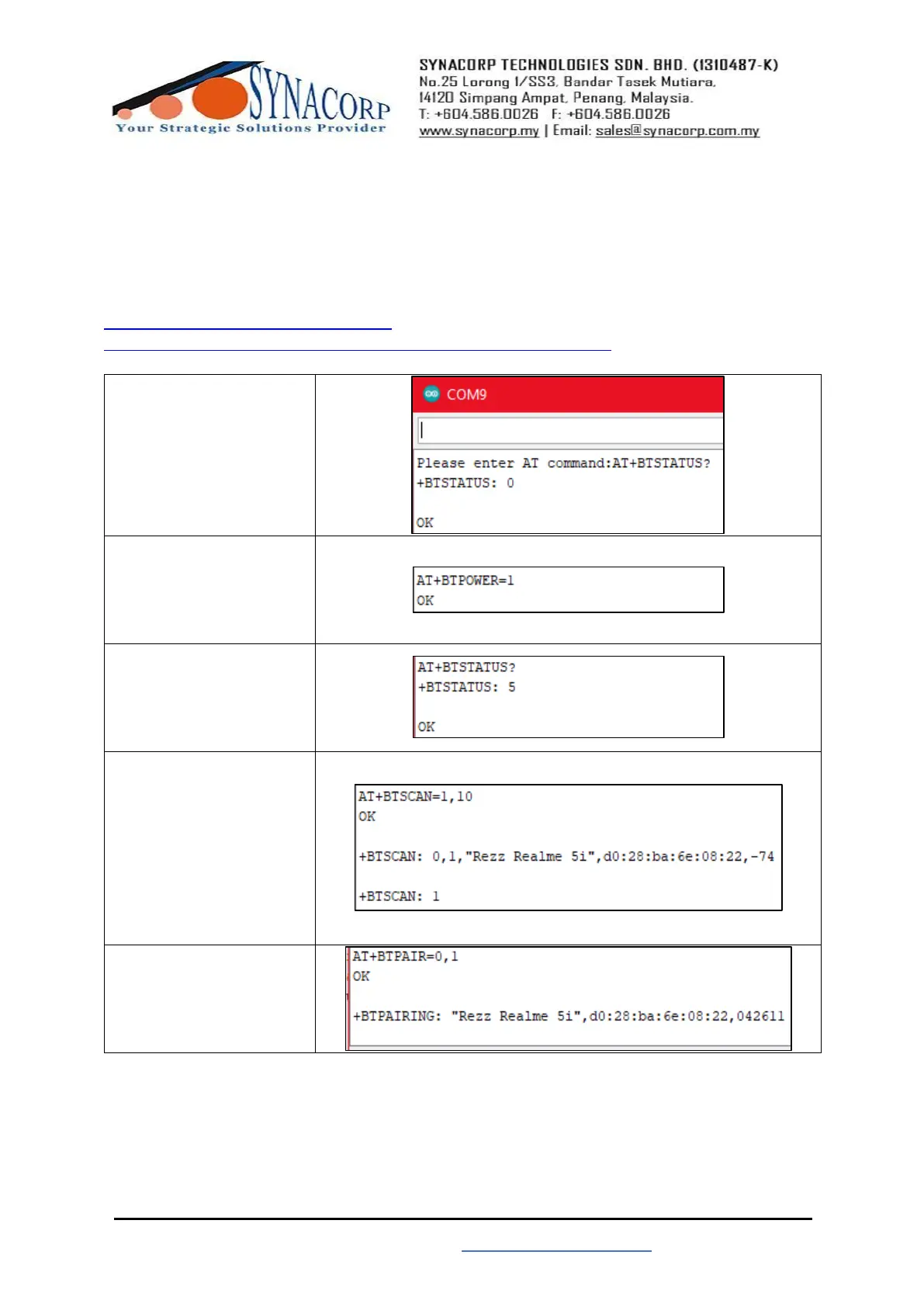
10. Use this step-by-step table AT commands below to set up and test the SIM808 Bluetooth
function. (Side note; Use the link provided below for more SIM808 Bluetooth AT commands).
https://cdn-shop.adafruit.com/product-
files/2637/SIM800+Series_Bluetooth_Application_Note_V1.04.pdf


 To Next Page
 Loading...