Remote Control Guide
Remote Function Keys & Description
Hot Keys Tutorial
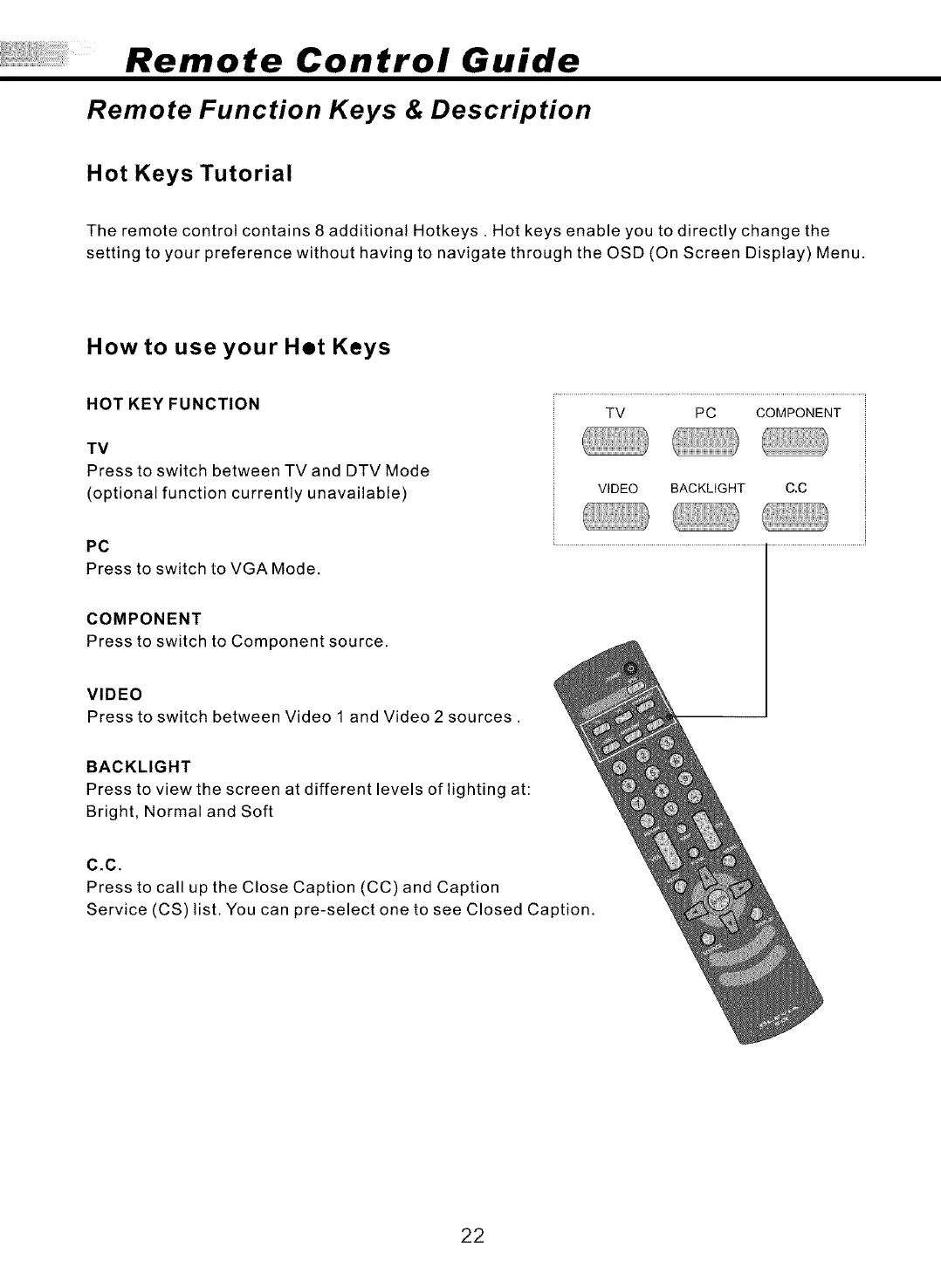
The remote control contains 8 additional Hotkeys. Hot keys enable you to directly change the
setting to your preference without having to navigate through the OSD (On Screen Display) Menu.
How to use your Het Keys
HOTKEYFUNCTION
TV
Press to switch between TV and DTV Mode
(optional function currently unavailable)
TV PC COMPONENT
VIDEO BACKLIGHT C.C
PC
Press to switch to VGA Mode.
COMPONENT
Press to switch to Component source.
VIDEO
Press to switch between Video 1 and Video 2 sources.
BACKLIGHT
Press to view the screen at different levels of lighting at:
Bright, Normal and Soft
C,C,
Press to call up the Close Caption (CC) and Caption
Service (CS) list. You can pre-select one to see Closed Caption.
22



 To Next Page