Adjusting On Screen Displays (OSD)
Introduction
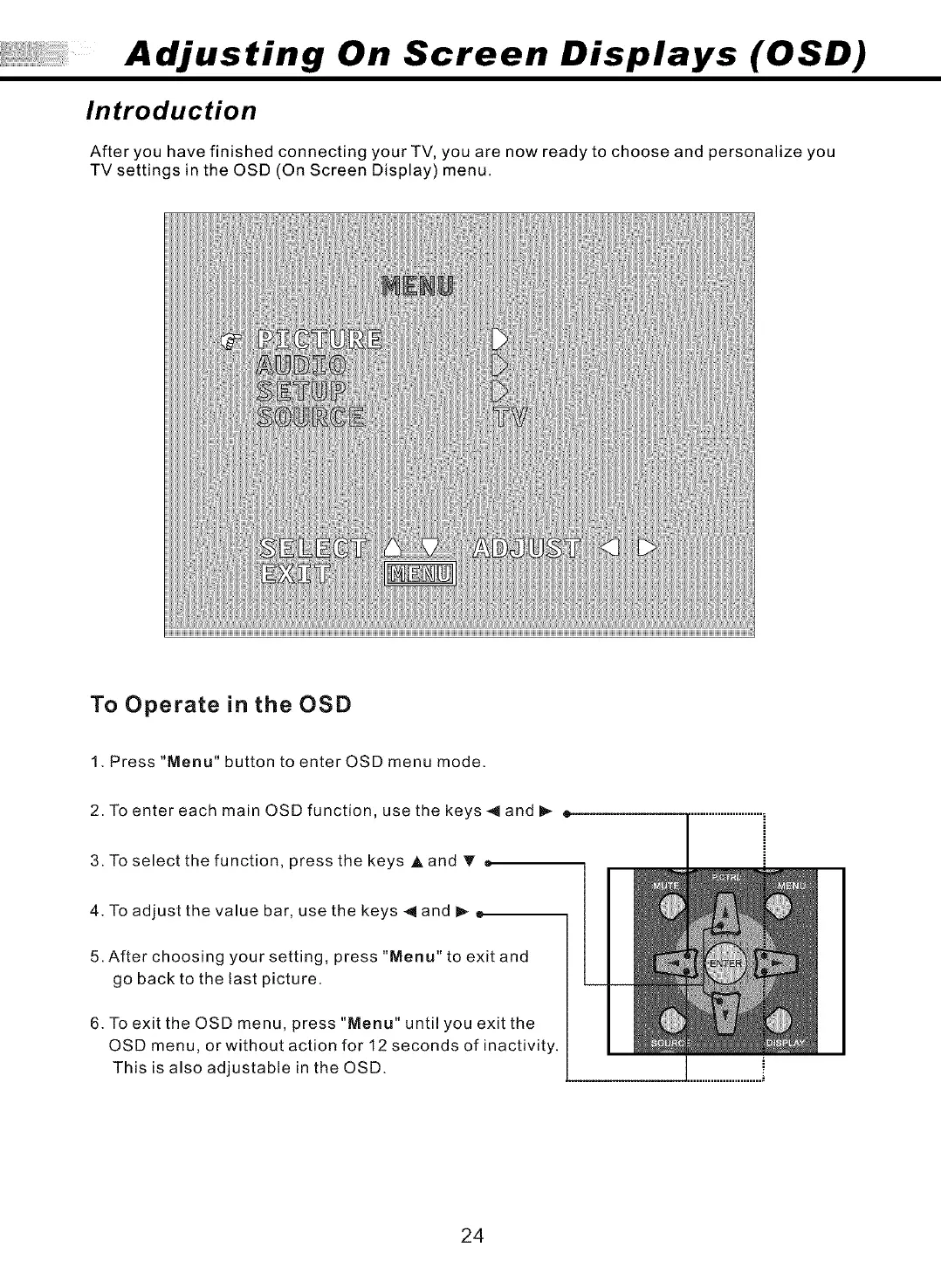
After you have finished connecting your TV, you are now ready to choose and personalize you
TV settings in the OSD (On Screen Display) menu.
To Operate in the OSD
1. Press "Menu" button to enter OSD menu mode.
2. To enter each main OSD function, use the keys < and _ =
3. To select the function, press the keys A and T •
4. To adjust the value bar, use the keys _ and _
5. After choosing your setting, press "Menu" to exit and
go back to the last picture.
6. To exit the OSD menu, press "Menu" until you exit the
OSD menu, or without action for 12 seconds of inactivity.
This is also adjustable in the OSD.
24



 To Next Page