Adjusting On Screen Displays (OSD)
Picture: Adjusting Picture Quality
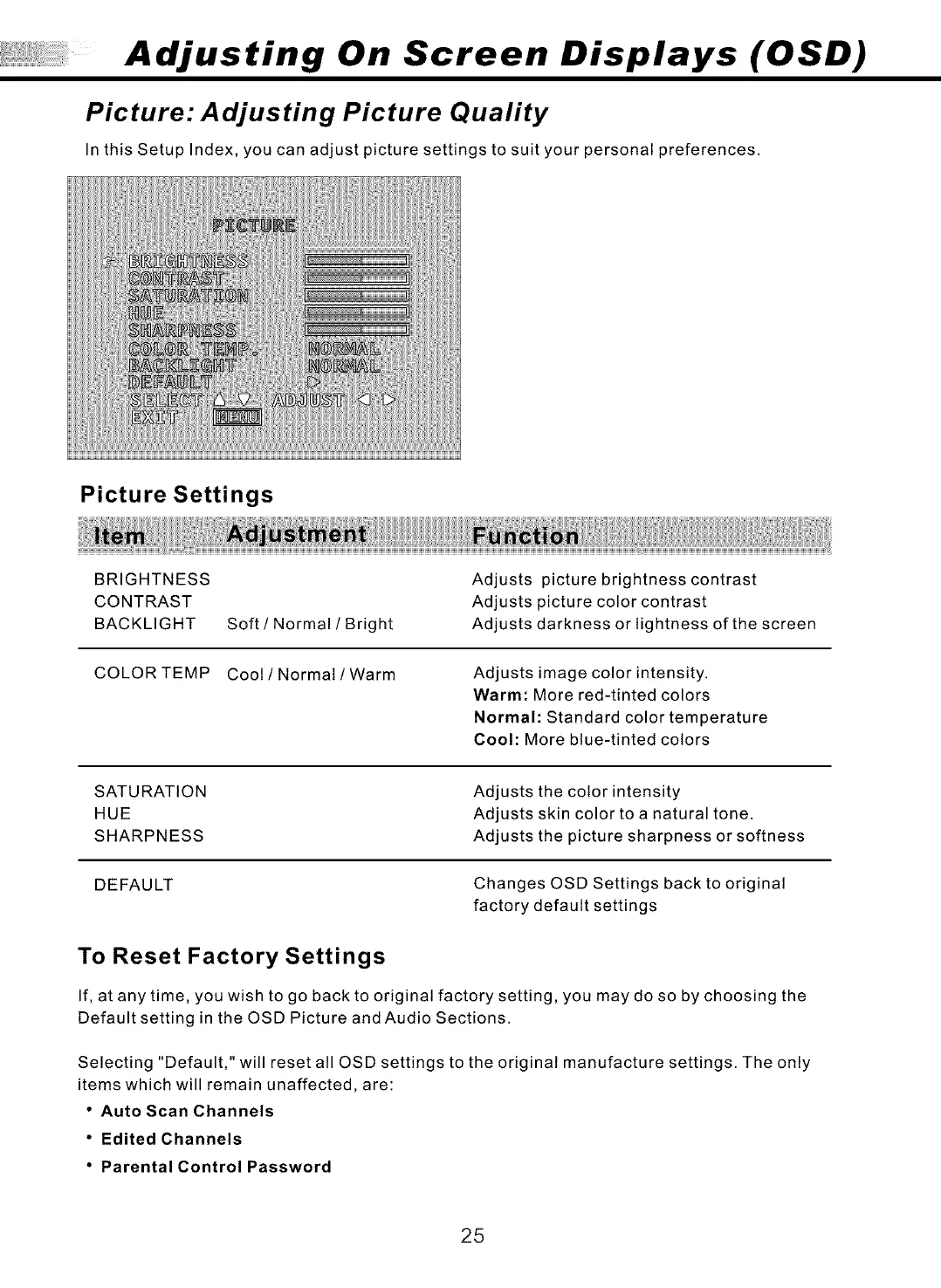
In this Setup Index, you can adjust picture settings to suit your personal preferences.
Picture Settings
BRIGHTNESS
CONTRAST
BACKLIGHT
COLORTEMP
Soft / Normal / Bright
Adjusts picture brightness contrast
Adjusts picture color contrast
Adjusts darkness or lightness of the screen
Coot / Normal / Warm
Adjusts image color intensity.
Warm: More red-tinted colors
Normal: Standard color temperature
Cool: More blue-tinted colors
SATURATION
HUE
SHARPNESS
Adjusts the color intensity
Adjusts skin color to a natural tone.
Adjusts the picture sharpness or softness
DEFAULT Changes OSD Settings back to original
factory default settings
To Reset Factory Settings
If, at any time, you wish to go back to original factory setting, you may do so by choosing the
Default setting in the OSD Picture and Audio Sections.
Selecting "Default," will reset all OSD settings to the original manufacture settings. The only
items which will remain unaffected, are:
• Auto Scan Channels
• Edited Channels
• Parental Control Password
25



 To Next Page