Adjusting On Screen Displays (OSD)
Setup: Adjusting Personal TV Settings
Activating the Parental Control Feature
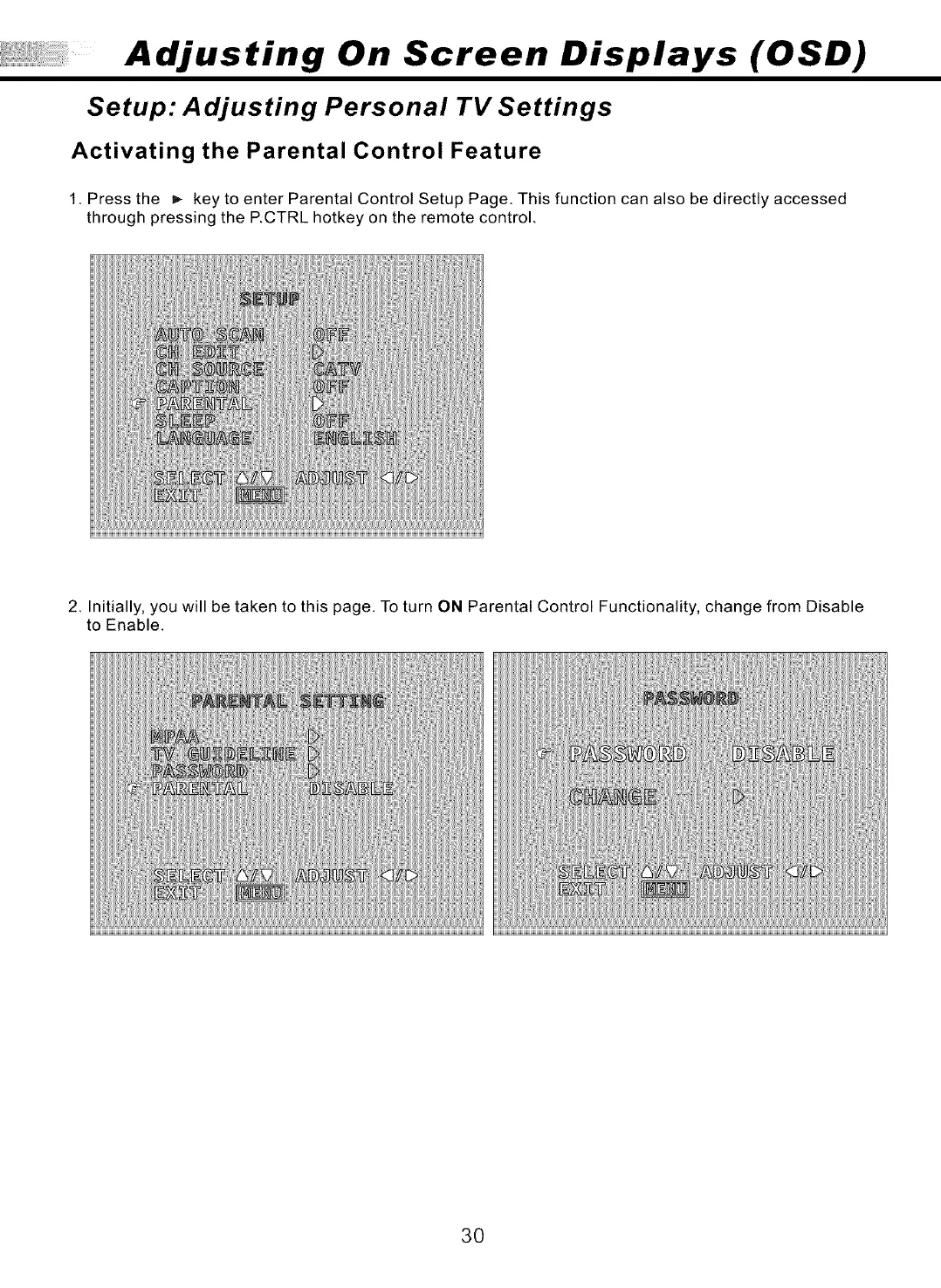
1. Press the _,- key to enter Parental Control Setup Page. This function can also be directly accessed
through pressing the P.CTRL hotkey on the remote control.
2. Initially, you will be taken to this page. To turn ON Parental Control Functionality, change from Disable
to Enable.
30



 To Next Page