Adjusting On Screen Displays (OSD)
Setup: Adjusting Personal TV Settings
Channel Source
Please choose between TV or CATV Source by using the _key.
Watching with Closed Caption
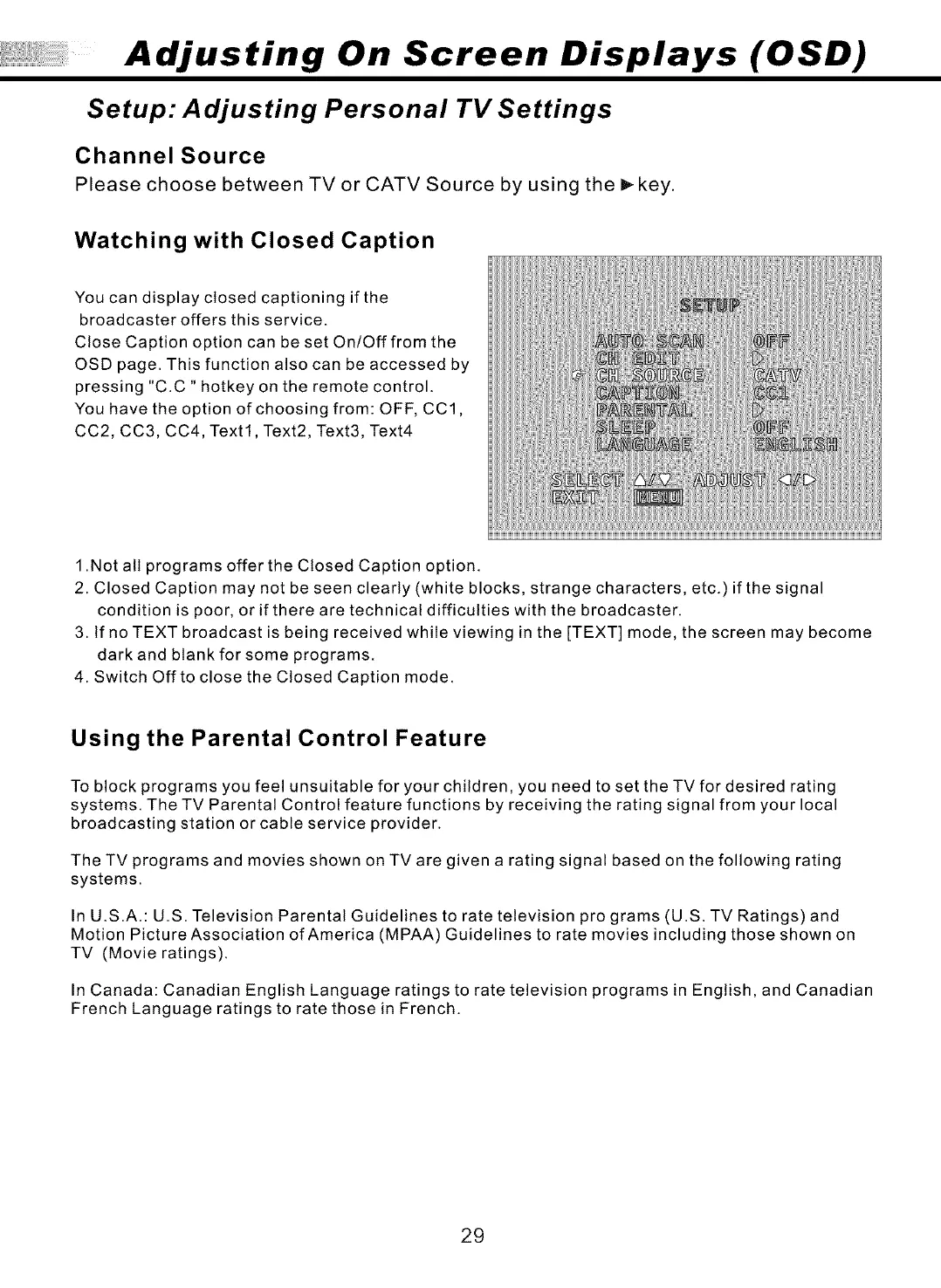
You can display closed captioning if the
broadcaster offers this service.
Close Caption option can be set On/Off from the
OSD page. This function also can be accessed by
pressing "C.C" hotkey on the remote control.
You have the option of choosing from: OFF, CC1,
CC2, CC3, CC4, Text1, Text2, Text3, Text4
1 .Not all programs offer the Closed Caption option.
2. Closed Caption may not be seen clearly (white blocks, strange characters, etc.) if the signal
condition is poor, or if there are technical difficulties with the broadcaster.
3. tf no TEXT broadcast is being received while viewing in the [TEXT] mode, the screen may become
dark and blank for some programs.
4. Switch Offto close the Closed Caption mode.
Using the Parental Control Feature
To block programs you feel unsuitable for your children, you need to set the TV for desired rating
systems. The TV Parental Control feature functions by receiving the rating signal from your local
broadcasting station or cable service provider.
The TV programs and movies shown on TVare given a rating signal based on the following rating
systems.
In U.S.A.: U.S. Television Parental Guidelines to rate television pro grams (U.S. TV Ratings) and
Motion Picture Association of America (MPAA) Guidelines to rate movies including those shown on
TV (Movie ratings).
In Canada: Canadian English Language ratings to rate television programs in English, and Canadian
French Language ratings to rate those in French.
29


 To Next Page
 Loading...