Adjusting On Screen Displays (OSD)
Setup: Adjusting Personal TV Settings
Setting the Channels
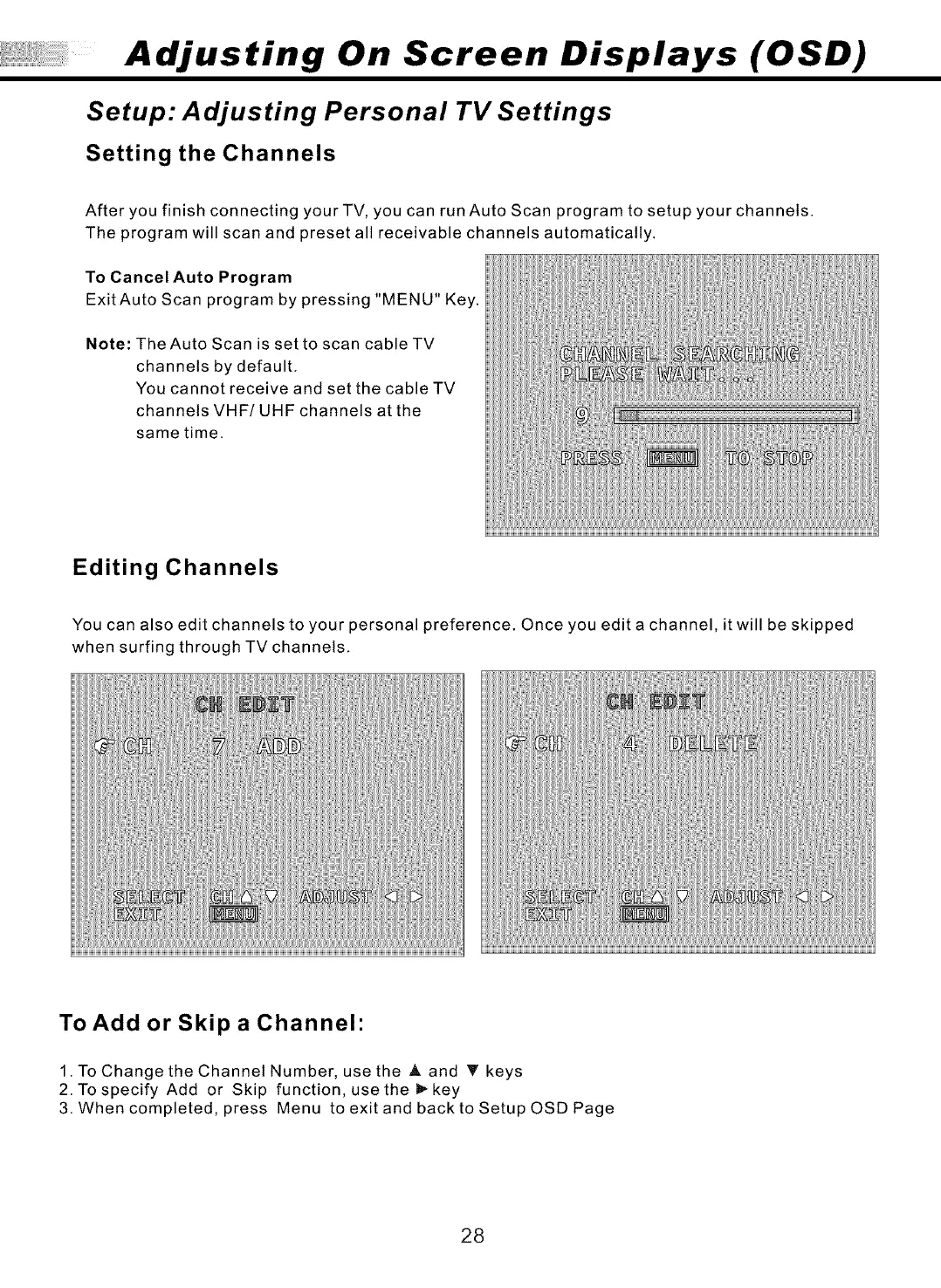
After you finish connecting your TV, you can run Auto Scan program to setup your channels.
The program will scan and preset all receivable channels automatically.
To Cancel Auto Program
Exit Auto Scan program by pressing "MENU" Key.
Note: The Auto Scan is set to scan cable TV
channels by default.
You cannot receive and set the cable TV
channels VHF/UHF channels at the
same time.
Editing Channels
You can also edit channels to your personal preference. Once you edit a channel, it will be skipped
when surfing through TV channels.
To Add or Skip a Channel"
1. To Change the Channel Number, use the _, and _' keys
2. To specify Add or Skip function, use the _- key
3. When completed, press Menu to exit and back to Setup OSD Page
28



 To Next Page