Adjusting On Screen Displays (OSD)
Setup: Adjusting Personal TV Settings
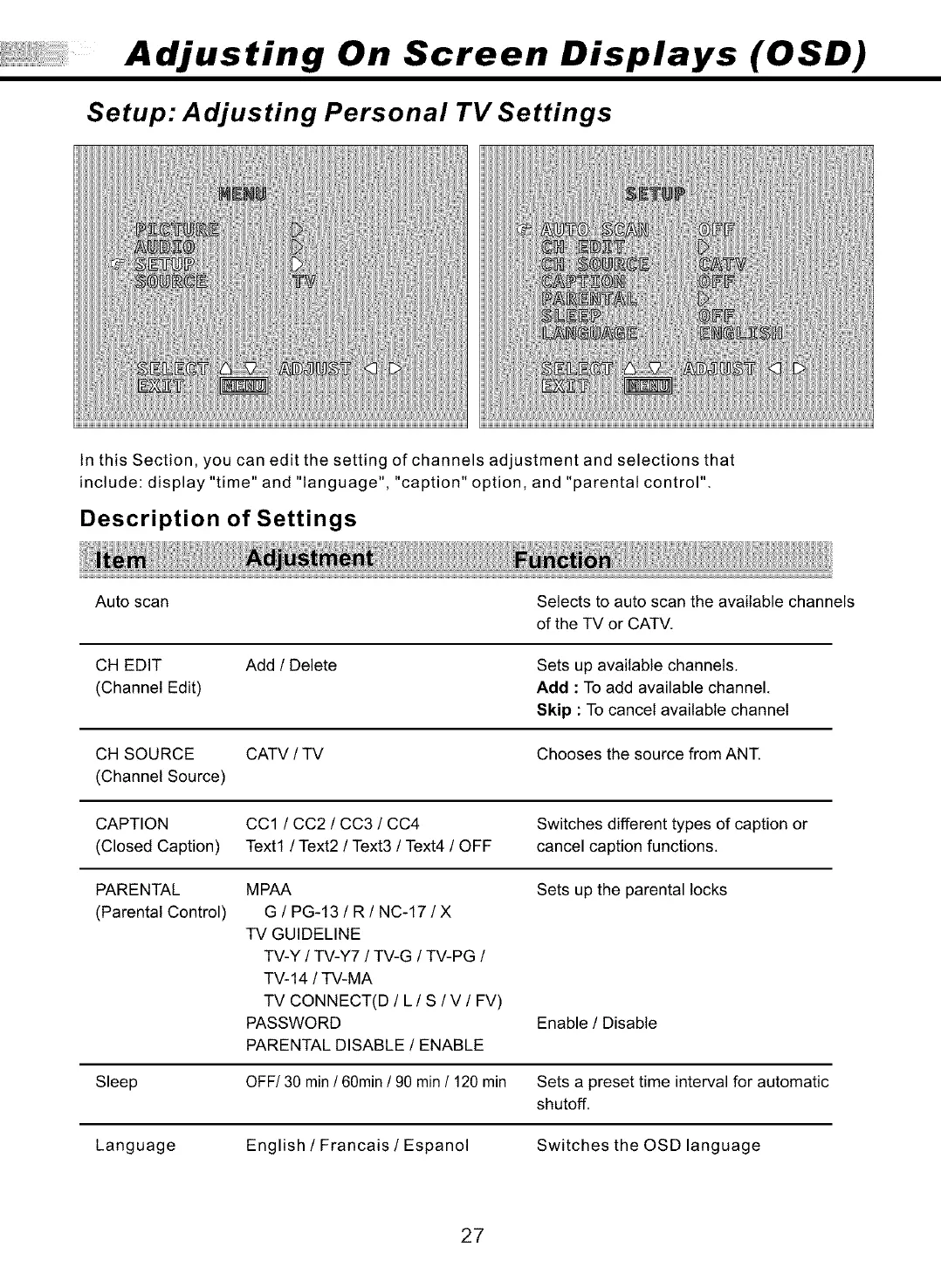
In this Section, you can edit the setting of channels adjustment and selections that
include: display "time" and "language", "caption" option, and "parental control".
Description of Settings
Auto scan Selects to auto scan the available channels
of the TV or CATV.
CH EDIT
(Channel Edit)
Add / Delete
Sets up available channels.
Add : To add available channel.
Skip : To cancel available channel
CH SOURCE CATV / TV Chooses the source from ANT.
(Channel Source)
CAPTION CC1 / CC2 / CC3 / CC4 Switches different types of caption or
(Closed Caption) Text1 / Text2 / Text3 / Text4 / OFF cancel caption functions.
PARENTAL MPAA Sets up the parental locks
(Parental Control) G / PG-13 / R / NC-17 / X
TV GUIDELINE
TV-Y / TV-Y7 / TV-G / TV-PG /
TV-14 / TV-MA
TV CONNECT(D / L / S / V / FV)
PASSWORD
PARENTAL DISABLE / ENABLE
Enable / Disable
Sleep OFF/30 min / 60min / 90 min / 120 min Sets a preset time interval for automatic
shutoff.
Language English / Francais / Espanol Switches the OSD language
27



 To Next Page