Adjusting On Screen Displays (OSD)
Setup: Adjusting Personal TV Settings
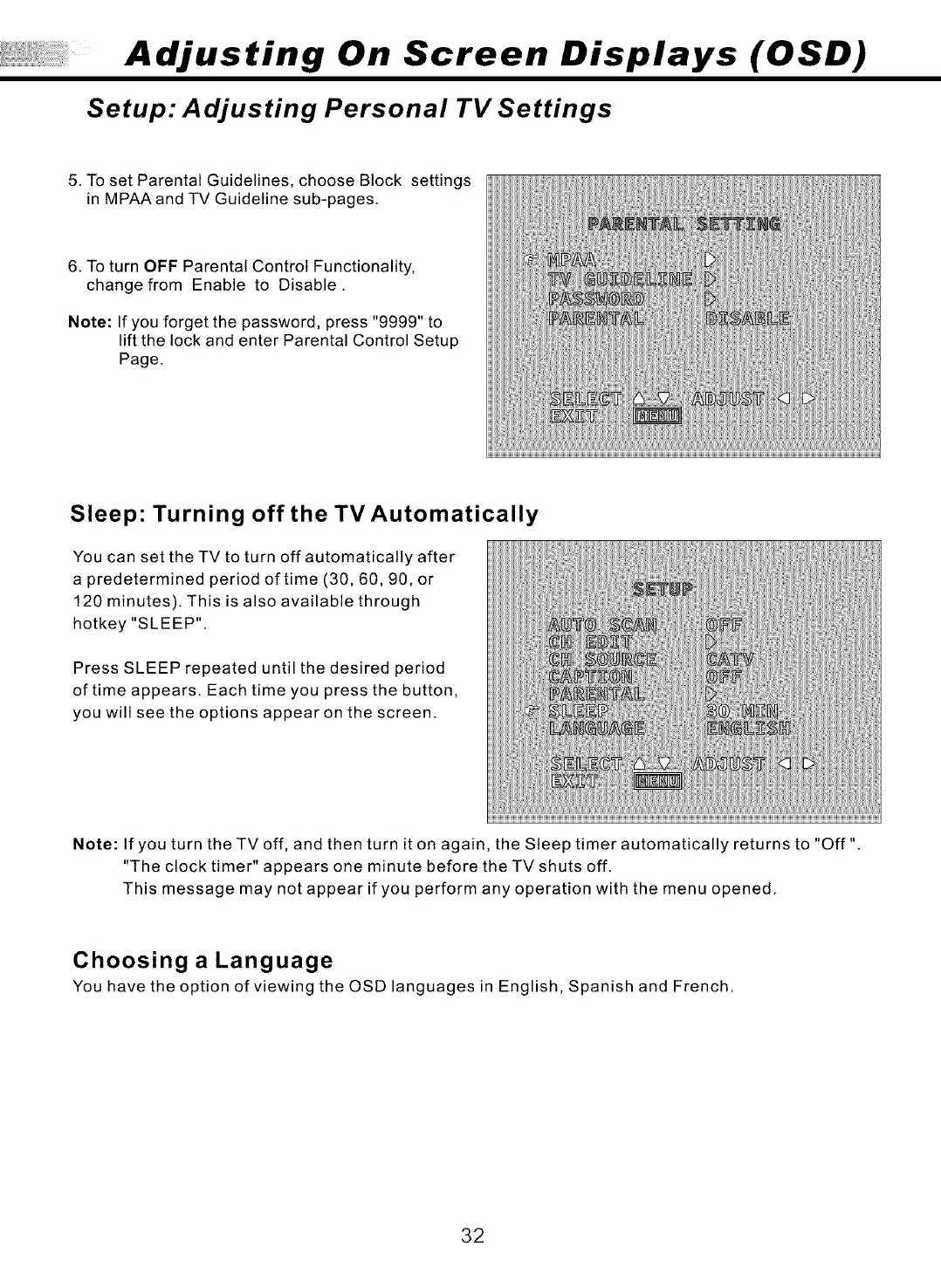
5. To set Parental Guidelines, choose Block settings
in MPAA and TV Guideline sub-pages.
6. To turn OFF Parental Control Functionality,
change from Enable to Disable.
Note: If you forget the password, press "9999" to
lift the lock and enter Parental Control Setup
Page.
Sleep: Turning off the TV Automatically
You can set the TV to turn off automatically after
a predetermined period of time (30, 60, 90, or
120 minutes). This is also available through
hotkey "SLEEP".
Press SLEEP repeated until the desired period
of time appears. Each time you press the button,
you will see the options appear on the screen.
Note: If you turn theTVoff, and then turn it on again, the Sleep timer automatically returns to "Off"
"The clock timer" appears one minute before the TV shuts off.
This message may not appear if you perform any operation with the menu opened.
Choosing a Language
You have the option of viewing the OSD languages in English, Spanish and French.
32


 To Next Page
 Loading...