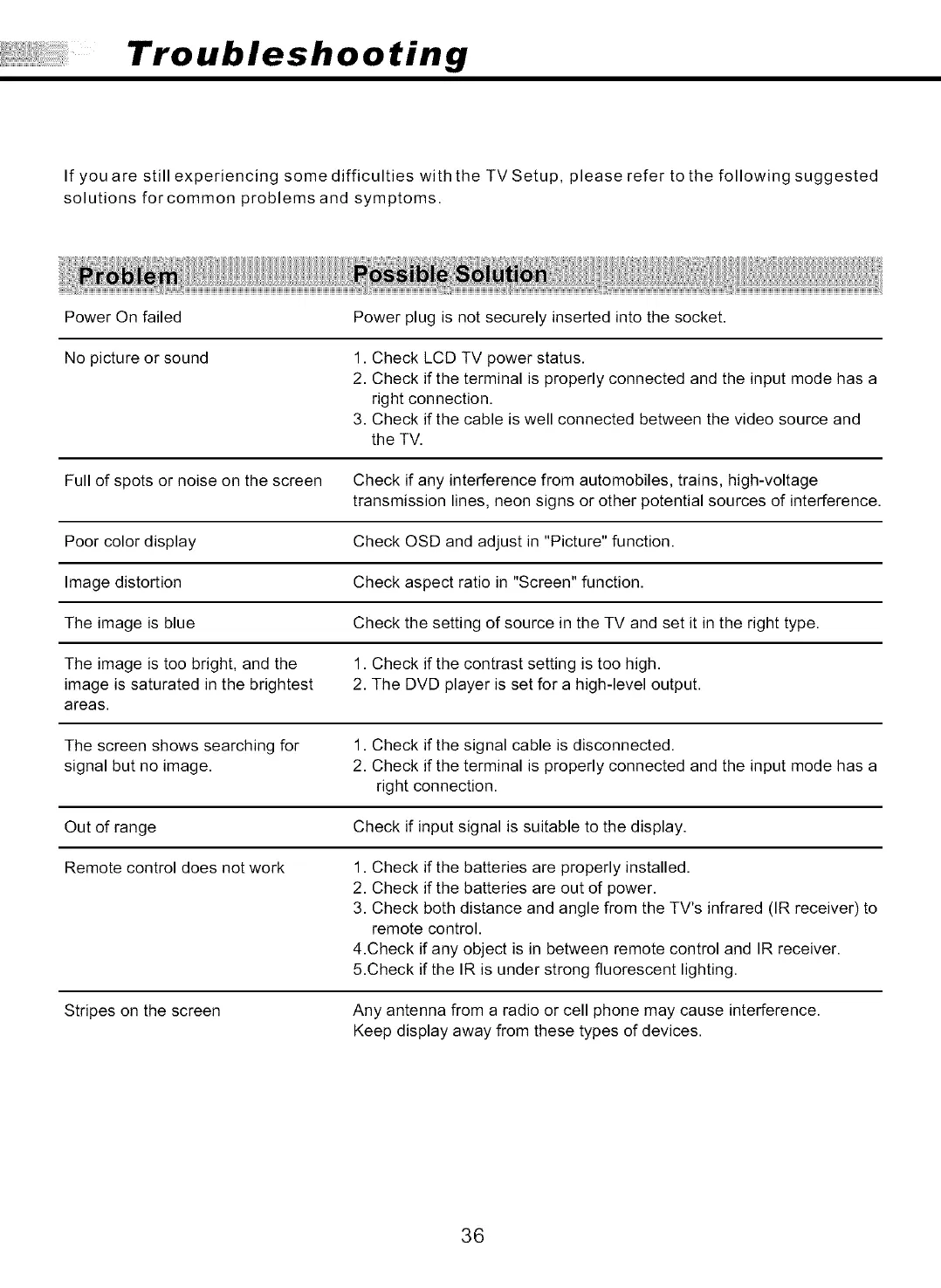
Troubleshooting
If you are still experiencing some difficulties with the TV Setup, please refer to the following suggested
solutions forcommon problems and symptoms.
Power On failed
Power plug is not securely inserted into the socket.
No picture or sound 1. Check LCD TV power status.
2. Check if the terminal is properly connected and the input mode has a
right connection.
3. Check if the cable is well connected between the video source and
the TV.
Full of spots or noise on the screen Check if any interference from automobiles, trains, high-voltage
transmission lines, neon signs or other potential sources of interference.
Poor color display Check OSD and adjust in "Picture" function.
Image distortion Check aspect ratio in "Screen" function.
The image is blue Check the setting of source in the TV and set it in the right type.
The image is too bright, and the 1. Check if the contrast setting is too high.
image is saturated in the brightest 2. The DVD player is set for a high-level output.
areas.
The screen shows searching for 1. Check if the signal cable is disconnected.
signal but no image. 2. Check if the terminal is properly connected and the input mode has a
right connection.
Out of range Check if input signal is suitable to the display.
Remote control does not work 1. Check if the batteries are properly installed.
2. Check if the batteries are out of power.
3. Check both distance and angle from the TV's infrared (IR receiver) to
remote control.
4.Check if any object is in between remote control and IR receiver.
5.Check if the IR is under strong fluorescent lighting.
Stripes on the screen Any antenna from a radio or cell phone may cause interference.
Keep display away from these types of devices.
36



 To Next Page
 Loading...