Adjusting On Screen Displays (OSD)
Choosing TVInput Source
Audio Adjustment
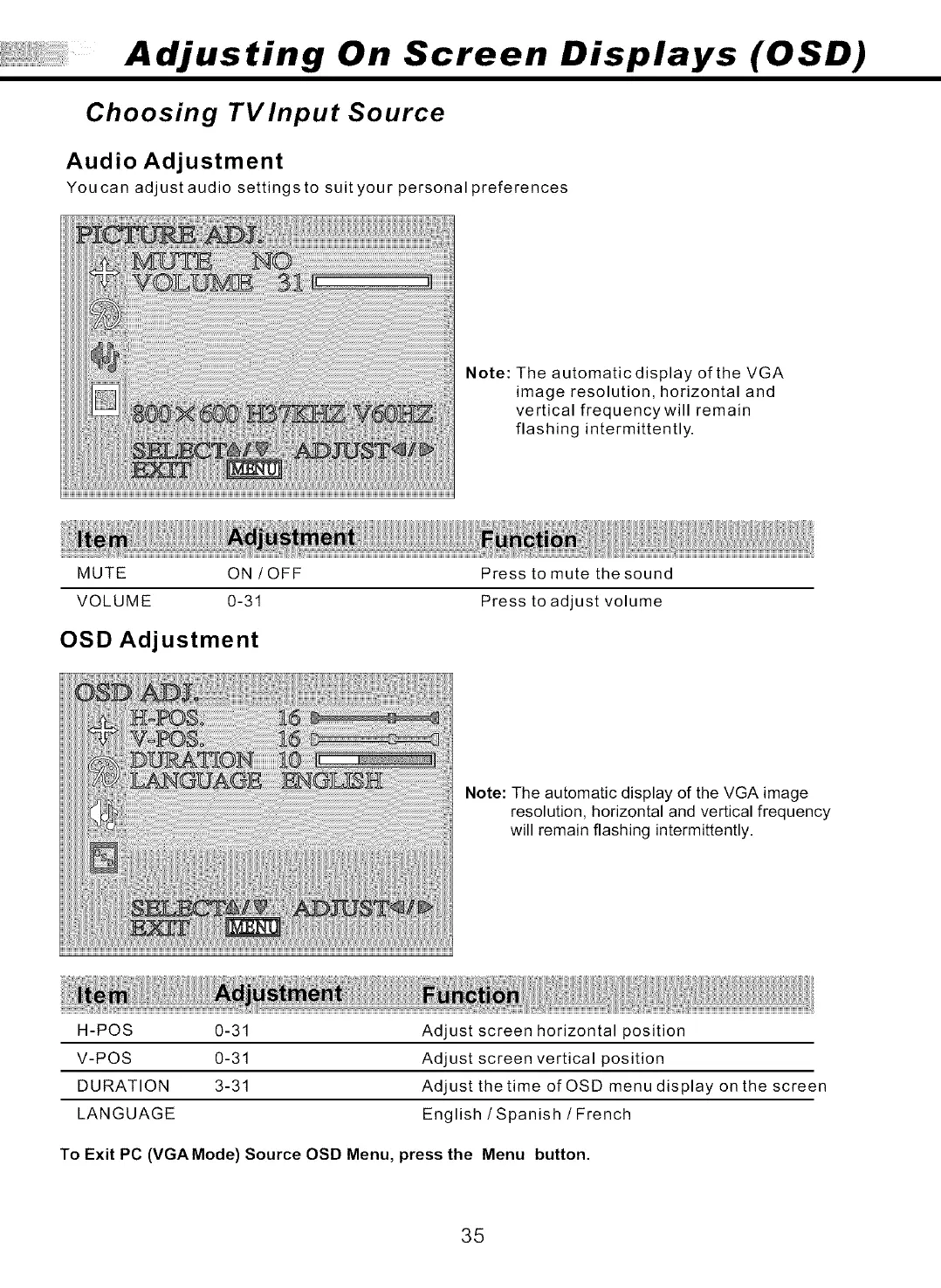
You can adjust audio settings to suit your personal preferences
Note: The automatic display of the VGA
image resolution, horizontal and
vertical frequencywill remain
flashing intermittently.
MUTE ON / OFF
VOLUME 0-31
OSD Adjustment
Press to mute the sound
Press to adjust volume
Note: The automatic display of the VGA image
resolution, horizontal and vertical frequency
will remain flashing intermittently.
H-POS 0-31
V-POS 0-31
DURATION 3-31
LANGUAGE
Adjust screen horizontal position
Adjust screen vertical position
Adjust the time of OSD menu display on the screen
English/Spanish /French
To Exit PC (VGA Mode) Source OSD Menu, press the Menu button.
35



 To Next Page