Adjusting On Screen Displays (OSD)
Choosing TVInput Source
Picture Adjustment
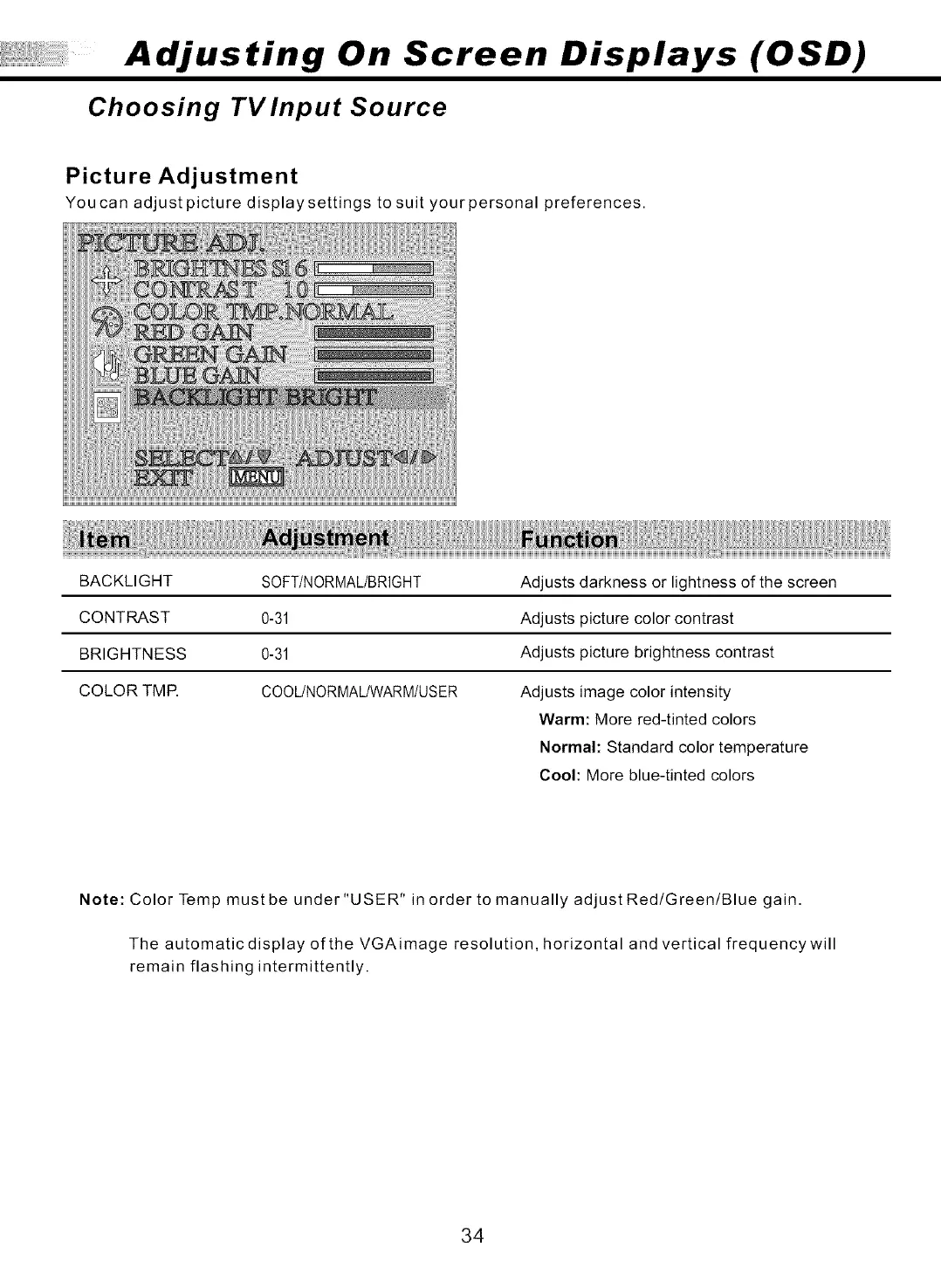
You ca n adjust picture display settings to suit your personal preferences.
BACKLIGHT SOFT/NORMAL/BRIGHT
CONTRAST 0-31
BRIGHTNESS 0-31
COLOR TMR COOUNORMAL/WARM/USER
Adjusts darkness or lightness of the screen
Adjusts picture color contrast
Adjusts picture brightness contrast
Adjusts image color intensity
Warm: More red-tinted colors
Normal: Standard color temperature
Cool: More blue-tinted colors
Note: Color Temp mustbe under "USER" in order to manually adjustRed/Green/Blue gain.
The automatic display of the VGAimage resolution, horizontal and vertical frequencywill
remain flashing intermittently.
34



 To Next Page