22
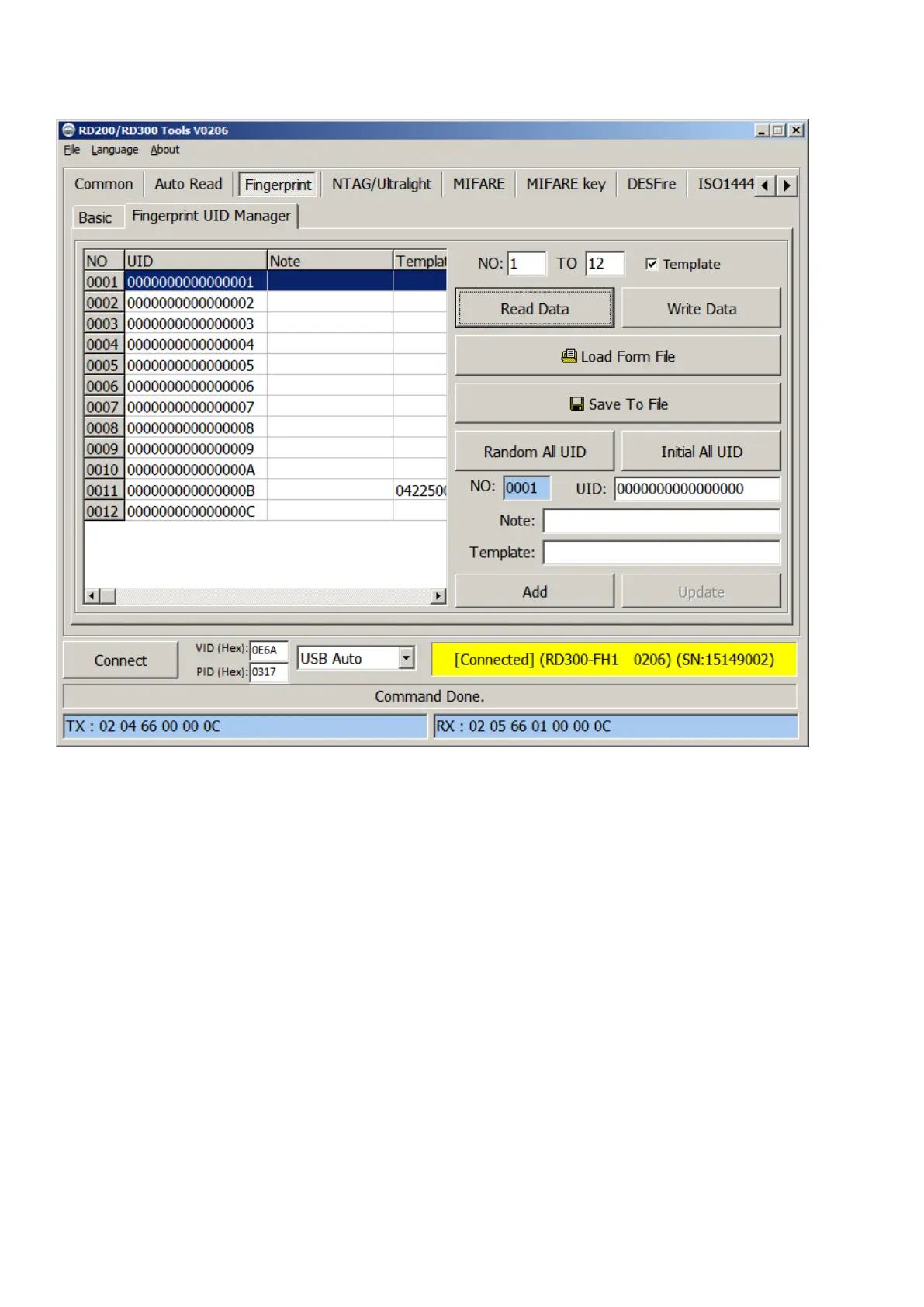
B. Fingerprint UID Manager
1. Read Data: Select number range to read fingerprint database in reader.
2. Write Data: Select number range to write fingerprint database in reader.
3. Load Form File: Load “uid.txt” file.
4. Save to File: Save current data to txt file.(uid.txt)
5. Random All UID: Set fingerprint’s UID to random value.
6. Initial All UID: Set fingerprint’s UID to default value.
7. Add / Update: Add / modify specific fingerprint’s UID, note and template.
(Only add / modify to screen, please don’t forget save to file.)



 To Next Page