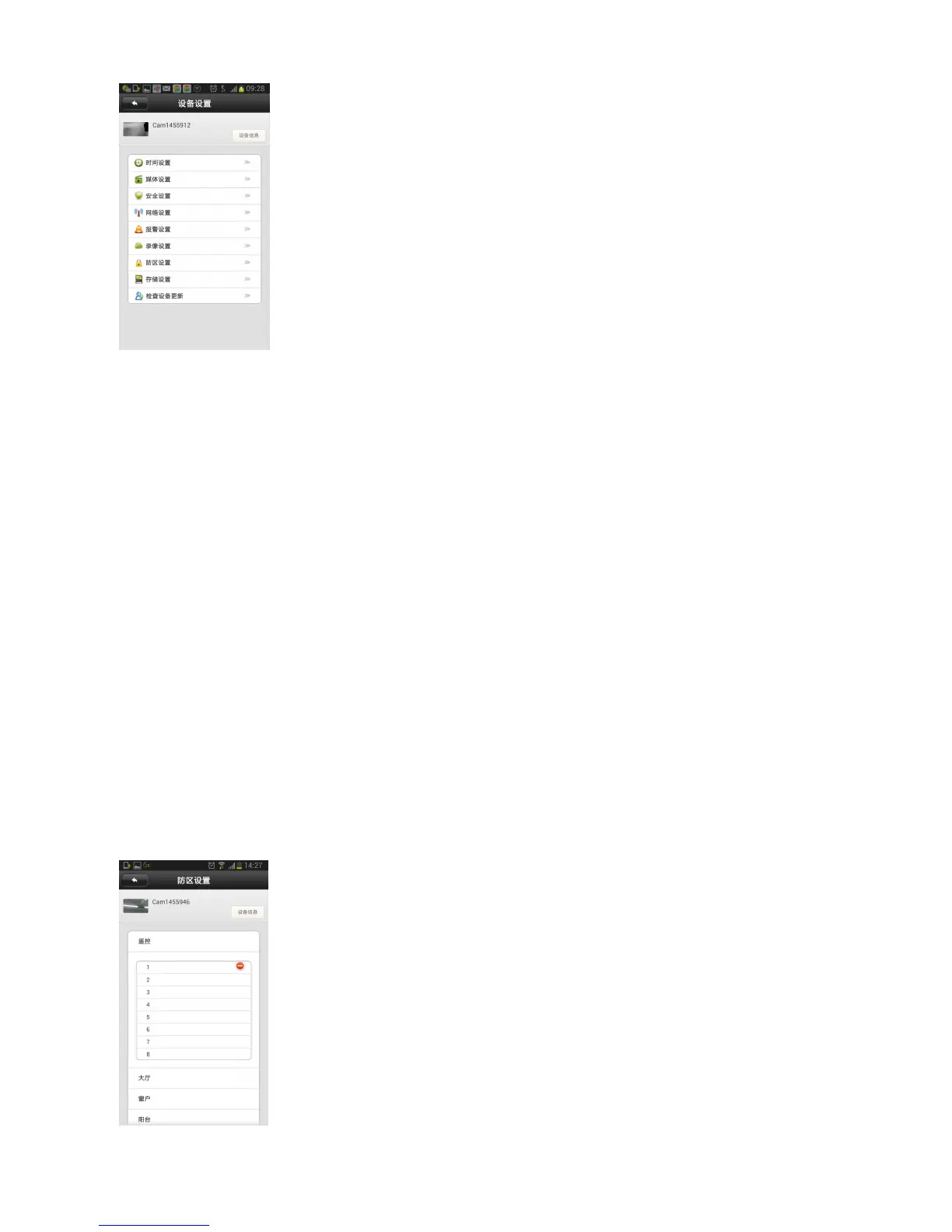
2. Network Settings: Select Ethernet or Wifi ( Note:If the wifi is not
steady,recommend to select Ethernet)
3、Alarm Settings: Must select the “ Receive alarm message” on;For “Motion
Detection” and “Buzzer”,it can set according to needs.
4 、 Recording Setting:Can select Manual Recording 、 Alarm Recording 、
Scheduled Recording
5 、 Defense area:Click remote control,it shows 1-8 Channels,select CH1,it
appears a coding prompt,click “ok”,right now press the remote controller
several seconds,when pairing code succeed,
it is like as the picture (can max add 8 pcs remote controller) :


 To Next Page