EasyManua.ls Logo

Sysd SY-WIFI002 - Page 12

Sysd SY-WIFI002
18 pages
Print Icon
To Next Page IconTo Next Page
To Previous Page IconTo Previous Page
Loading...
6. Storage settings: Manage the SD card.(Note: If the motion detection and
Buzzer is on,mobile device will receive an alarm message when the doorbell
found a moving object,if want to close this function,can click "ignore" on
mobile device,then click the icon)
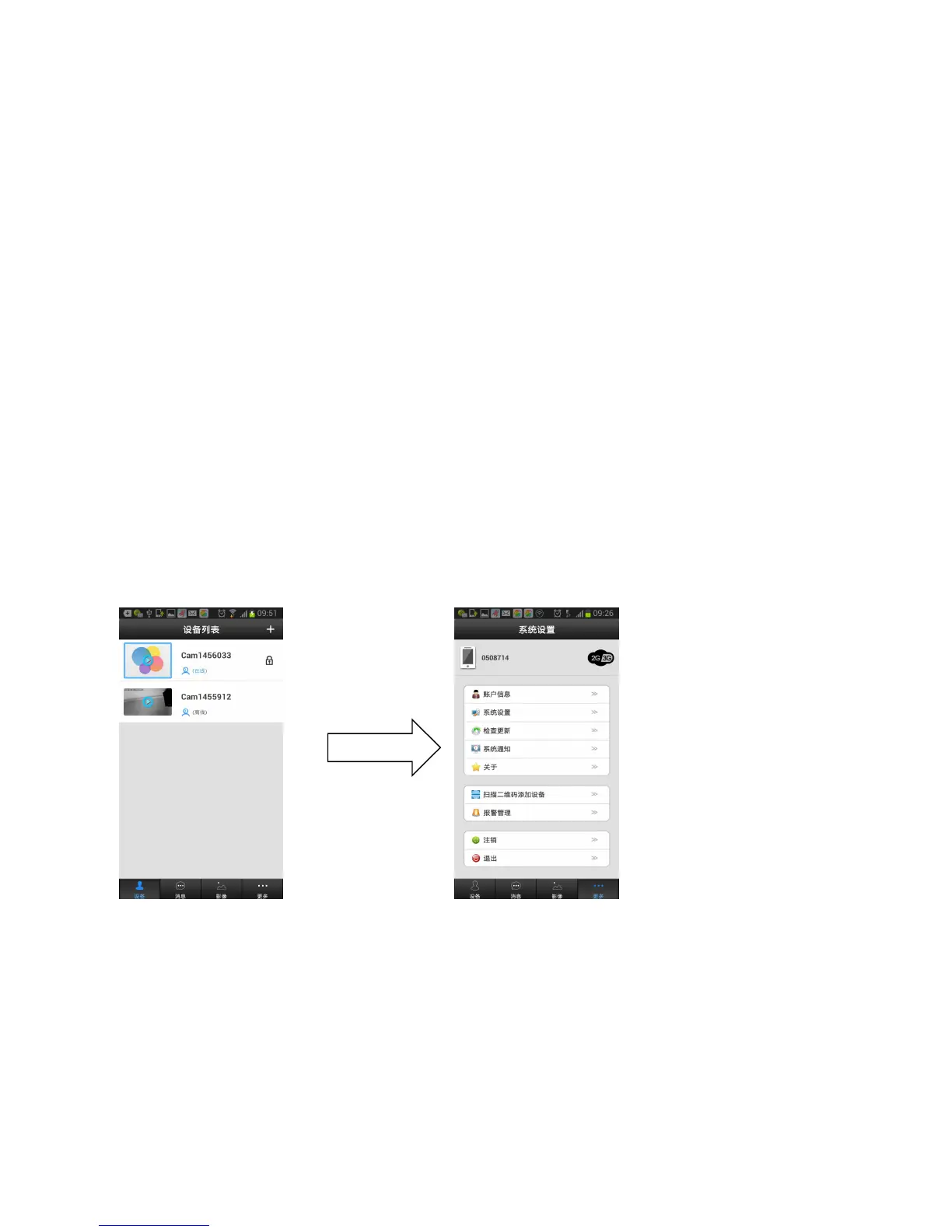
When log in the APP,it shows “Device,Message,Images and More”,Click
More to enter into system setting:
1. My Account: Edit the log in password
2. Settings: Support Incoming ring” setting “Alarm Ring” setting, please
save it after setting.Like as picture: