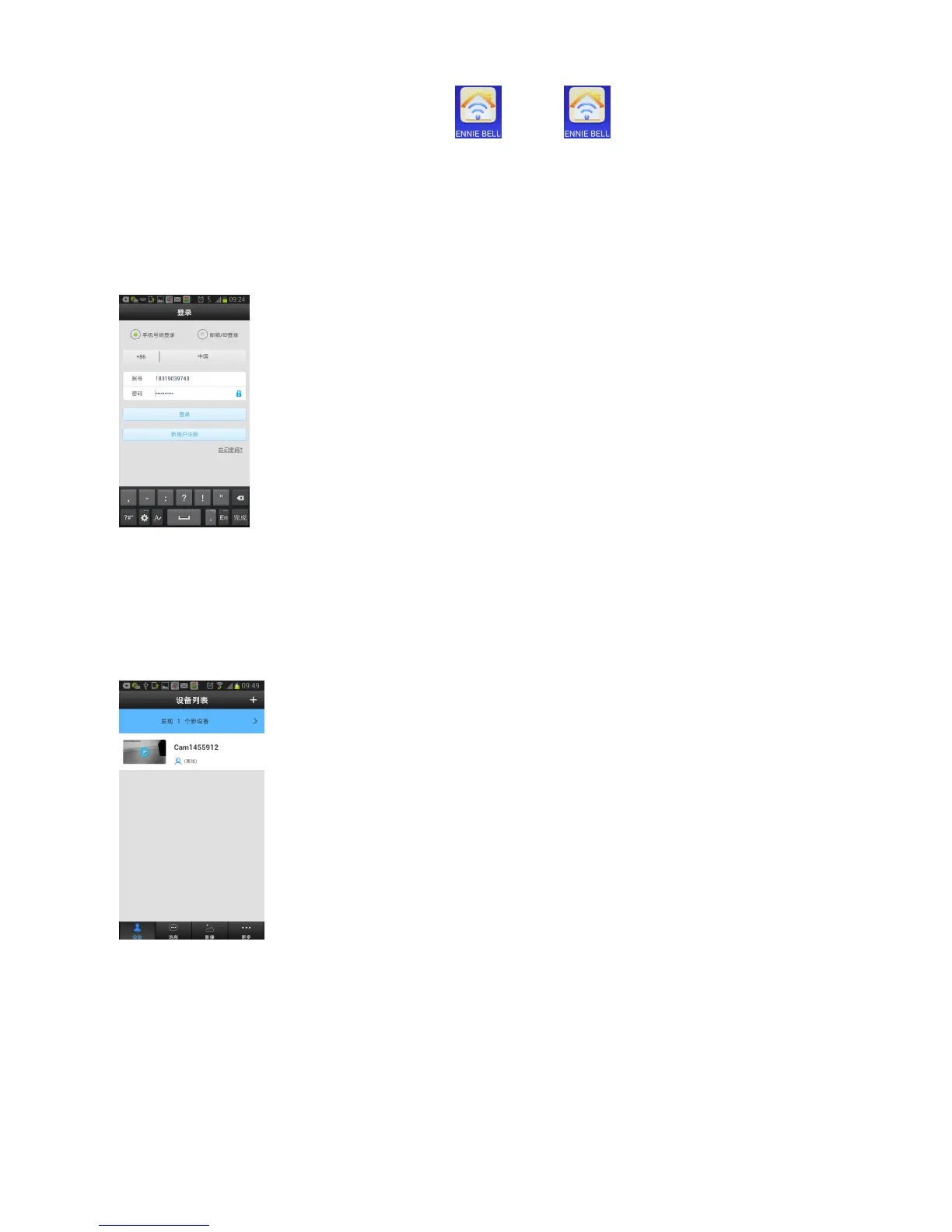
2. After installation,it appears icon ,click to run the wifi video
doorbell APP.
3. Connect the power supply and network wire to the outdoor unit,run the wifi
video doorbell APP,it shows below picture:
There are 2 ways to login: By Mobile or By Email/ID.For new user,it need to
register first,then log in.
5. Click icon “>” to enter into the “New equipment list”,click the green icon “+”
to add device,put the password (the default password 123 ),then save,it will
show the new device name,like as picture:


 To Next Page