EasyManua.ls Logo

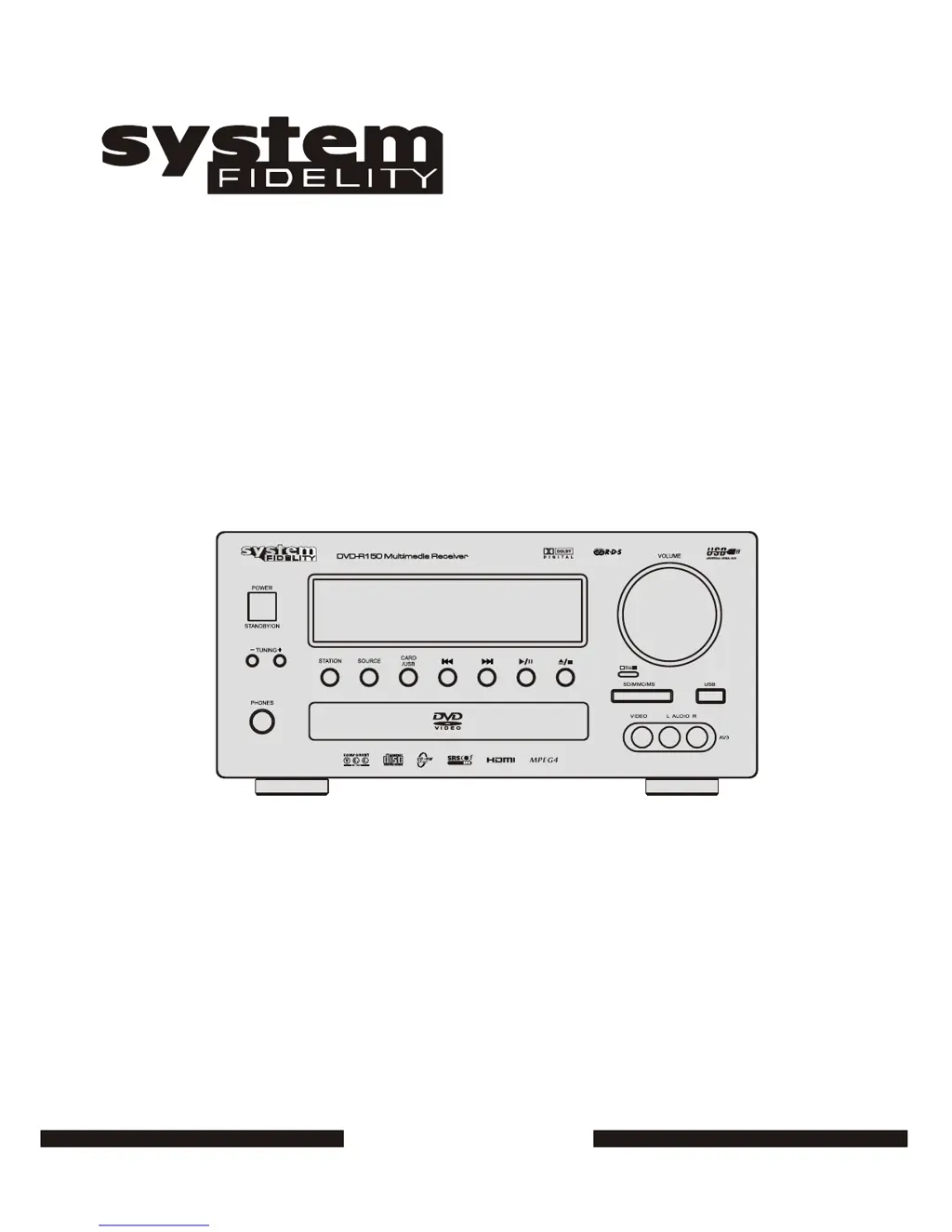
System Fidelity DVD-R150 - User Manual

System Fidelity DVD-R150
21 pages
Print Icon
To Next Page IconTo Next Page
Loading...
DVD-R150
Service manual

Questions and Answers

  • H
    Haley RogersJul 31, 2025
    How to fix no sound on System Fidelity Receiver?
    • C
      Christopher FordJul 31, 2025
      If you are experiencing no sound or distorted sound with your System Fidelity Receiver, confirm the power cord is securely connected. Also, verify that the settings of your TV or other AV equipment are correctly configured. Ensure that both the TV and the amplifier are functioning normally. When using headphones, check that they are properly connected to the jack and the volume switch is set to an appropriate level. Note that no sound may be heard during still picture (pause) or slow motion play.
  • H
    Hannah SnyderAug 5, 2025
    What to do if System Fidelity Receiver remote control is not working?
    • H
      Heidi CooperAug 5, 2025
      If the remote control isn't working with your System Fidelity Receiver, first check that the batteries are installed correctly, paying attention to the polarities (+ & -). If the batteries are old, replace them with new ones. Ensure that you are pointing the remote directly at the sensor on the receiver and that there are no obstacles blocking the path between the remote and the receiver.
  • S
    Samantha RichardsAug 12, 2025
    Why is there no picture on my System Fidelity Receiver?
    • K
      Kevin GibbsAug 12, 2025
      If you're not getting a picture on your System Fidelity Receiver, ensure all equipment is properly connected. Verify that the input setting on your TV is set to “Video.” Confirm that your TV is functioning correctly. Also, check that the color system setting (NTSC/PAL) is correctly configured for your region.
  • K
    Kylie ConwayAug 17, 2025
    How to enable surround sound on System Fidelity Receiver?
    • S
      sheilatranAug 17, 2025
      If you are not getting surround sound from your System Fidelity Receiver, ensure that the speaker settings are correctly configured to match your stereo system. Verify all speaker connections are secure. Check the source material; if it's mono, sound may only come from the center output. Note that with a 2-channel DVD model, a Pro Logic decoder or Dolby Digital decoder is required to reproduce surround output.
  • P
    Patrick JohnsAug 23, 2025
    How to fix no 4:3 (16:9) picture on System Fidelity Receiver?
    • M
      Maureen ChoiAug 23, 2025
      If you are not getting a 4:3 (16:9) picture on your System Fidelity Receiver, choose the correct setup for the “TV SCREEN” item that matches your TV type.

Summary

Safety Information

Important Safety Instructions

Remote Controller

Remote Controller Information

Remote Control Buttons

Comprehensive guide to the functions of each button on the remote control.

Function and Operation Explanation

Basic Playback Controls

Instructions for starting, pausing, and stopping disc playback.

Playback Navigation and Control

Details on skipping, fast forward/backward, repeat, and zoom functions.

Loudspeaker Connections

Audio and Digital Connections

Audio Connections

Guidance on connecting audio sources using phono cables.

Digital Connections

Explanation of optical and coaxial digital audio connections.

Video and Front Input Connections

Video Connections

Details on Composite, S-Video, SCART, and Component video connection types.

General Setup Options

Audio and Preferences Setup

Parental and Defaults Setup

Radio Operation

Troubleshooting Guide

Common Issues and Solutions

Addresses common problems like no sound, no picture, and playback errors.

System Fidelity DVD-R150 Specifications

Audio Specifications IconAudio Specifications
rated power output (front 8 ohm)40 W + 40 W
rated power output (front 4 ohm)50 W + 50 W
total harmonic distortionLess than 0.2%
input sensitivity/impedance200 mV /47kohm
frequency response20 Hz - 20 kHz +0.5 / -3 dB
tone control range (bass)±10dB
tone control range (treble)±10dB
signal-to-noise ratio70 dB CCIR/ARM
woofer rated output/impedance2 V / 2.2Kohm
woofer frequency response10 Hz - 120 Hz ± 3 dB
FM Tuner Specifications IconFM Tuner Specifications
frequency range87.5-108 MHz
sensitivity14dB (5uV)
antenna terminal75 ohm (unbalanced)
MW Tuner Specifications IconMW Tuner Specifications
frequency range522 - 1629 kHz (Europe) 9 kHz step
sensitivity60 dB / M
signal-to-noise ratio50 dB
General Specifications IconGeneral Specifications
power supplyAC220V –240V~ 50Hz
power consumption120 Watts
dimensions275(W) x 125(H) x 350(D) mm
net weight5.8Kg