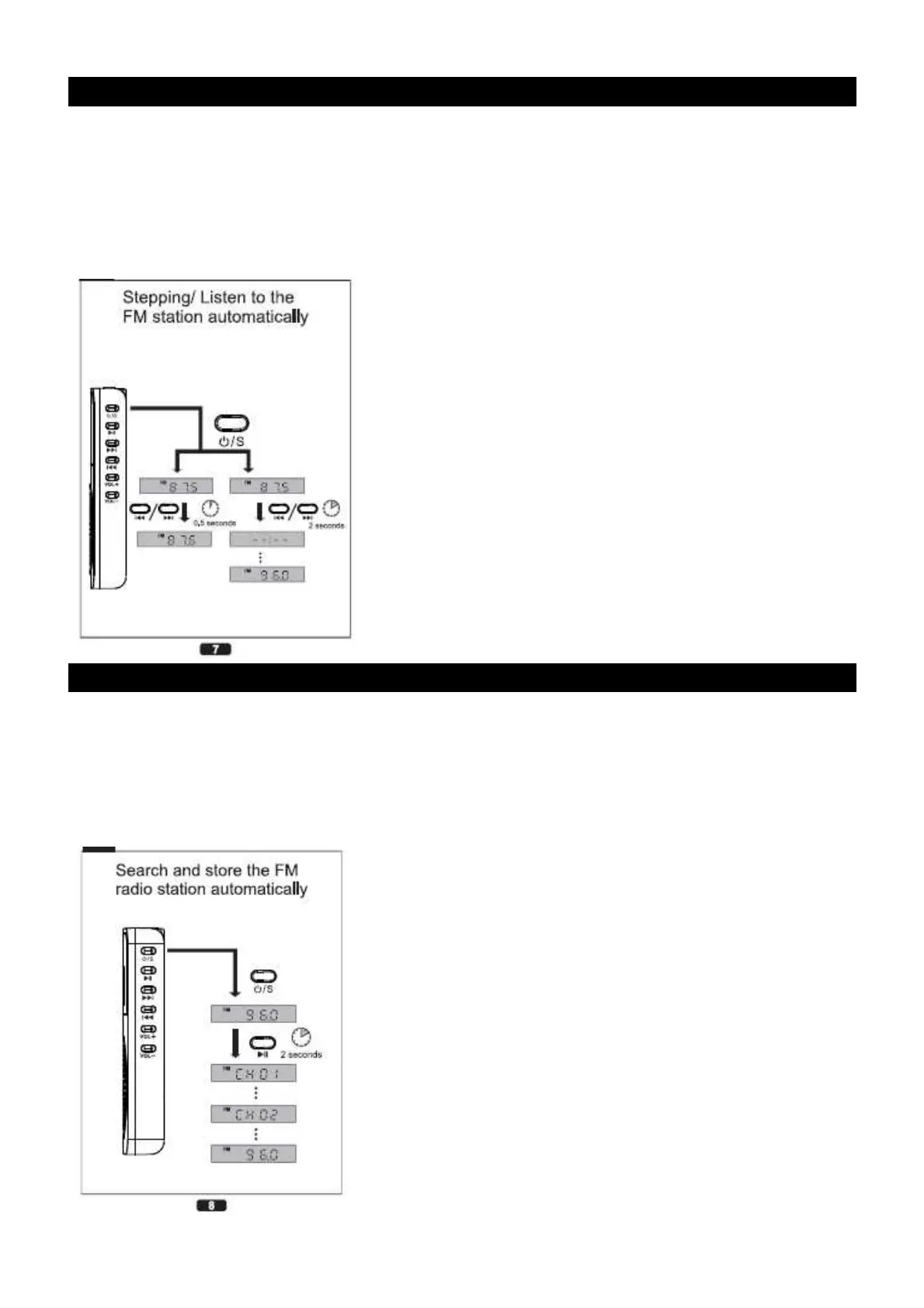
MANUAL AND AUTOMATIC SEARCH
Manual:
1. Press the “Mode” button to select the radio mode.
2. Press the “Next” or “Prev” buttons once to increase or decrease the frequency.
Auto:
1. Press and maintain the “Next” or “Prev” button to search the next or previous radio station.
AUTOMATIC SEARCH AND STORE
Search and store the FM radio station automatically.
1. Press and maintain the “Play” button during 2 seconds.
2. The unit will automatically search and store the first 40 stations.
3. The unit can store up to 40 preset memories.


 To Next Page