Function Overview
Quick Start
- Plug the USB receiver into USB interface of host device(PC, laptop, smartTV etc)
- Turn on this touchpad by toggling the right side switch.
System Requirements
- HID compatible USB HOST device
- Window XP, Vista,7/8/10, Linux, Android OS (With standard USB interface)
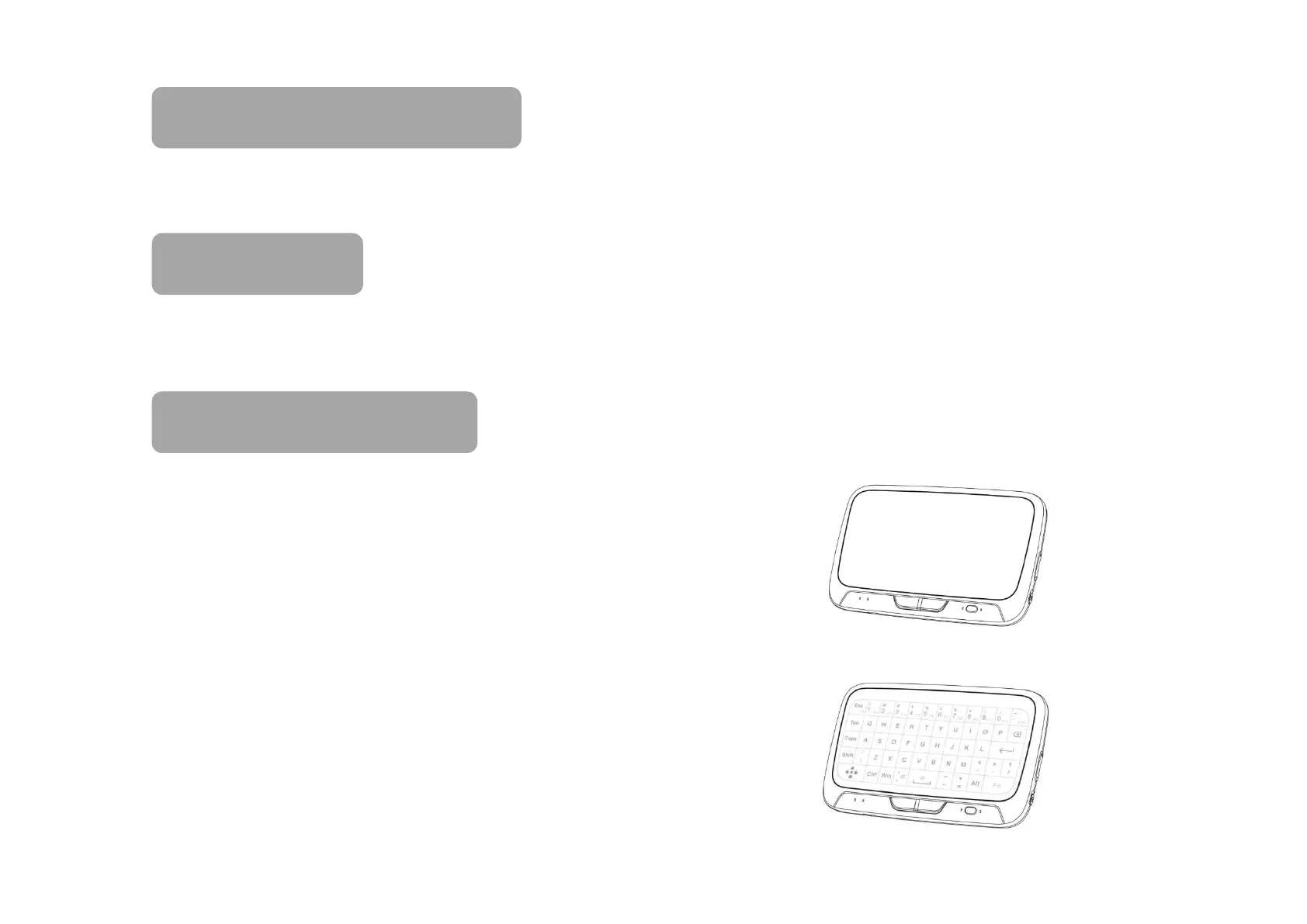
-Touch Function(show nothing):
mouse function, including the mouse moving, left
mouse button , right mouse button and mouse
scroll wheel.
-Keyboard function(show the character icons):
The characters are showed on the panel and we
can type the icons as our will on a keyboard.


 To Next Page