Tacx Training App
You can download the Tacx Training app to your compatible phone, tablet, or computer.
• Ride exciting courses without leaving your home.
• Create your own rides, workouts, and more.
• Manage your training, customize the default settings, and diagnose issues.
• Sync your indoor training data with your Garmin Connect
™
account.
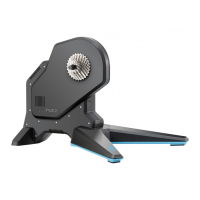
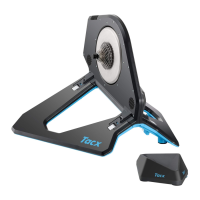
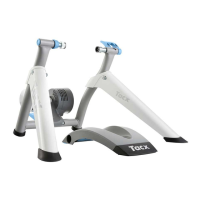
• Update your trainer software.
Device Information
Device Care and Storage
• Unplug the trainer when it is not in use.
• Wipe off the trainer after every use.
• Clean the trainer before storing it.
Specifications
Power supply
Use the included power cable.
100 to 240 v @ 50/60 Hz, 40 W
Operating temperature range From -20º to 55ºC (from -4º to 131ºF)
Wireless frequency 2.4 GHz @ 3 dBm maximum
Water rating
IEC 60529 IP21
The device withstands incidental exposure of vertically falling water droplets.
Garmin
®
Support Center
Go to support.garmin.com for help and information, such as product manuals, frequently asked questions,
videos, and customer support.
Device Information 5


 To Previous Page