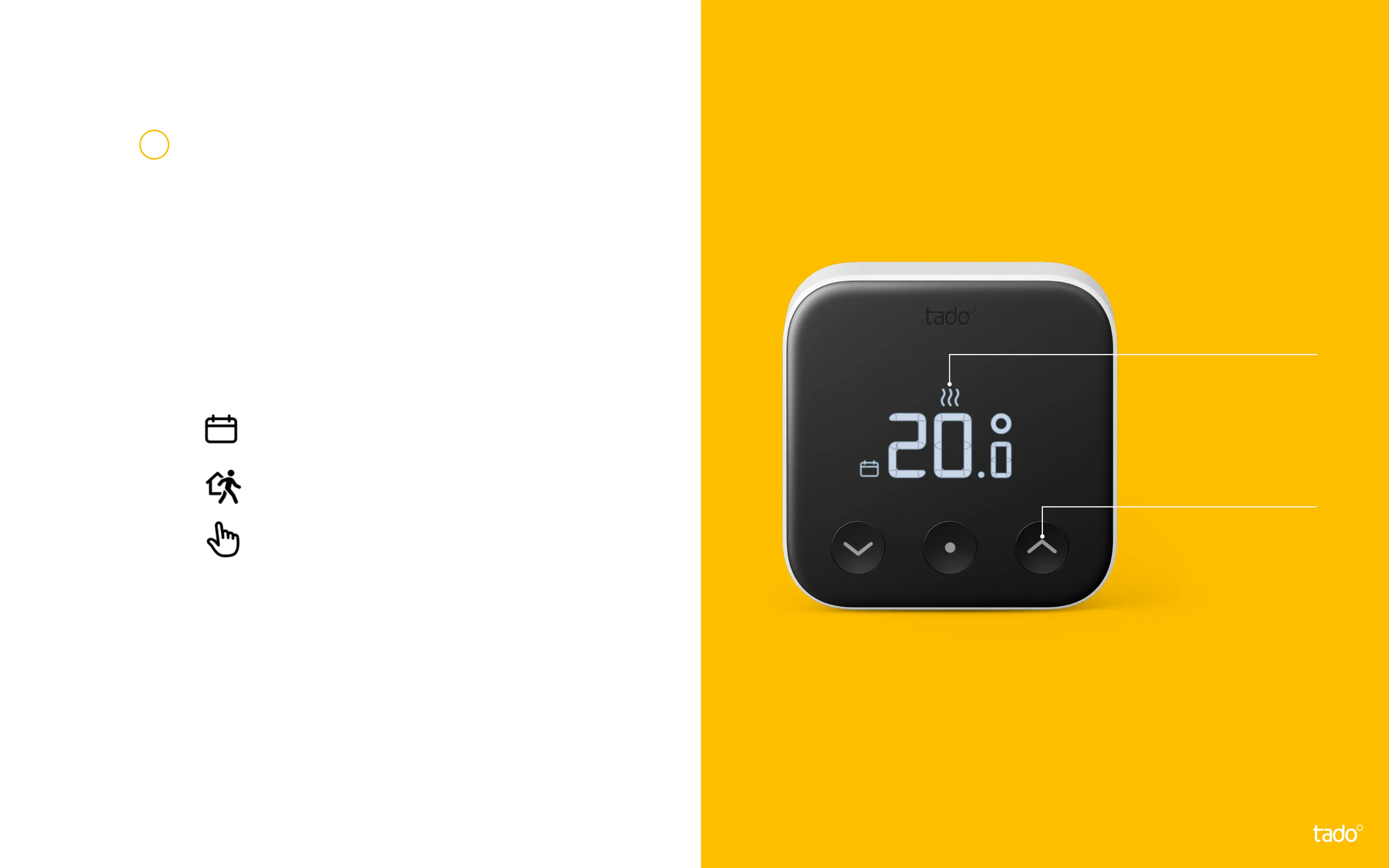
Press the middle button again to
view the current target temperature.
You can use the up and down
buttons to modify the target
temperature manually.
The icons shown next to the
target temperature indicate
the current tado° mode:
- The Smart Schedule is active and
tado° is in Home Mode
- The Smart Schedule is active and
tado° is in Away Mode
- Manual control is active
Display
Shows the current
target temperature
& mode
Touch arrows
To modify the
target temperature
manually
3


 To Next Page