Manual
control:
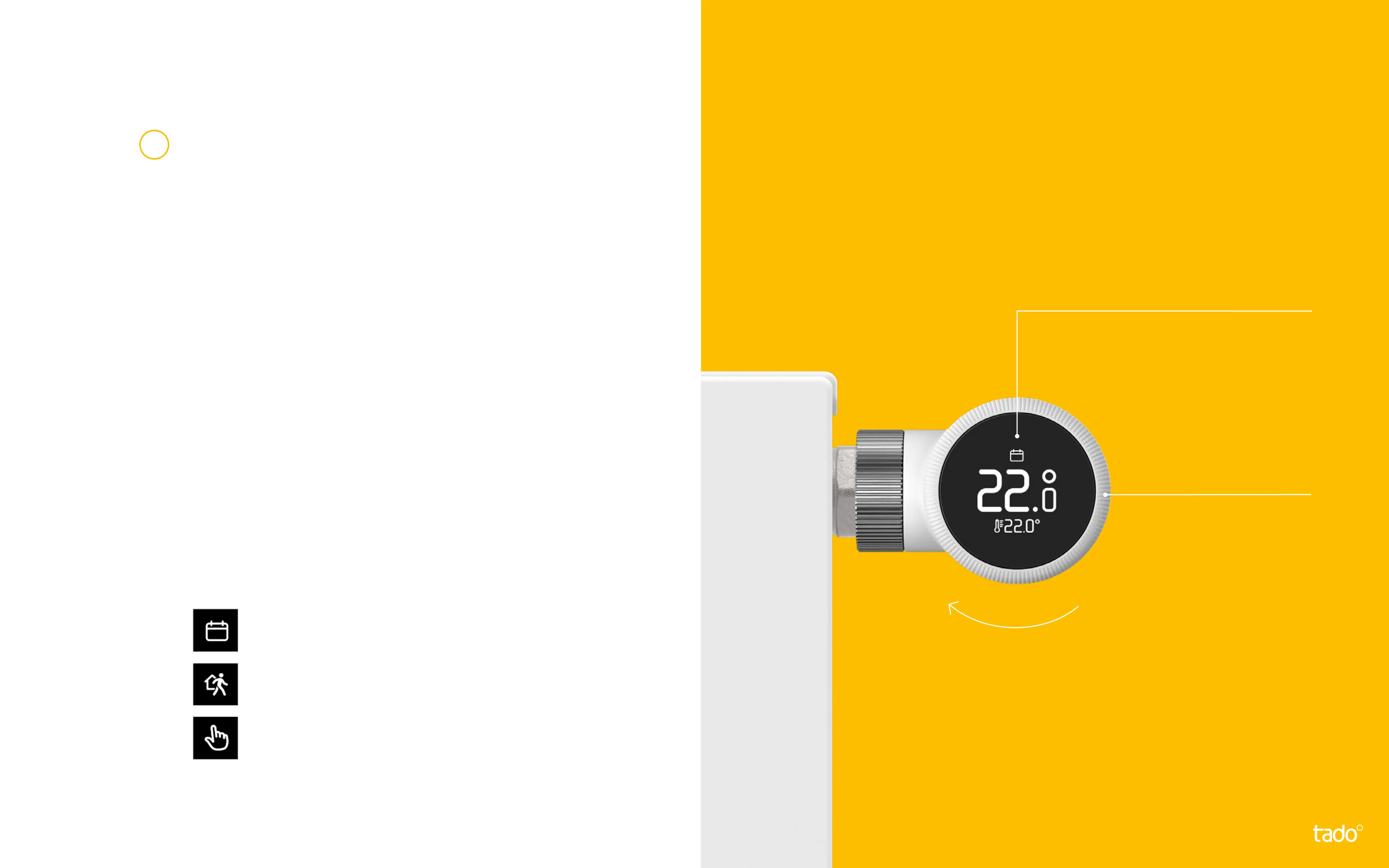
The icons shown next to the target
temperature indicate the current
tado° mode:
- The Smart Schedule is active and
tado° is in Home Mode
- The Smart Schedule is active and
tado° is in Away Mode
- Manual control is active
Display
Shows current target
temperature & mode
Control knob
To activate the display
and change the target
temperature
Smart Radiator Thermostat X
Tap the display of the Smart
Radiator Thermostat X to check
the current target temperature.
Turn the control knob to change
the target temperature.
3


 To Next Page