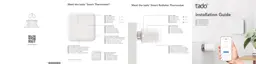
Need help?
Do you have a question about the tado° Smart Thermostat and is the answer not in the manual?
Download and install the tado app from your device's app store.
Steps to register and set up your tado user account and add your smart device.
Overview of the main control widgets and information displayed on the tado home screen.
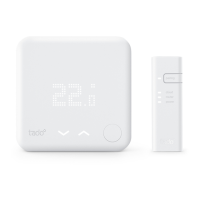
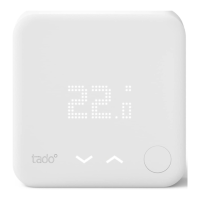
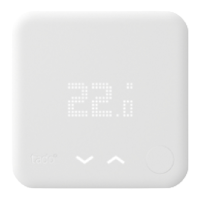
How to manually adjust the temperature using the Smart Thermostat or Wireless Temperature Sensor.
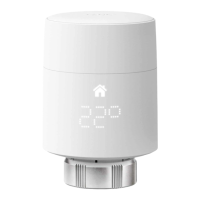
How to manually adjust heating via the Smart Radiator Thermostat control knob.
Configure how long manual temperature adjustments remain active in the tado system.
Step-by-step instructions for manually controlling your heating using the tado mobile app.
Guide to accessing and customizing the pre-set Smart Schedule to fit your needs.
Differentiate and configure settings for Home and Away modes within the Smart Schedule.
Select specific days and adjust time block settings for personalized heating schedules.
Learn how to add and configure additional time blocks to enhance your Smart Schedule.
Access help through the tado app, online Help Center, or live chat support.
 General
| Dimensions | 104 x 104 x 19 mm |
|---|---|
| Geofencing | Yes |
| Weather Adaptation | Yes |
| Open Window Detection | Yes |
| Remote Control | Yes, via mobile app |
| Energy Reports | Yes |
| Installation | DIY or professional installation |
| Smart Scheduling | Yes |
| Works with Smart Home Systems | Amazon Alexa, Google Assistant, Apple HomeKit, IFTTT |
| Compatibility | Compatible with most heating systems |
| Connectivity | Wi-Fi |
| Control | Voice control |
| Power Supply | 3 AAA batteries |
| Internet connection | Required for remote control |
| Radio communication | 868 MHz |
| Mobile App | Yes, for iOS, Android |
| Multi-room Control | Yes, with additional Smart Radiator Thermostats |
| Display | LED matrix display |

 To Next Page