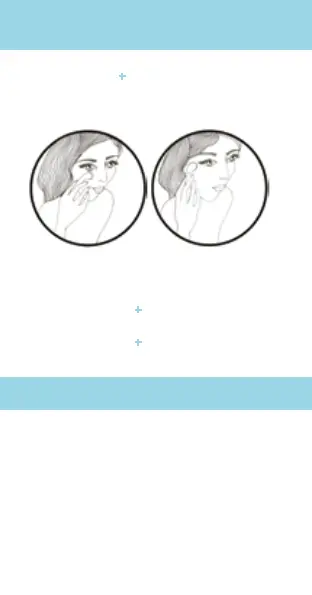
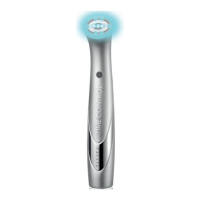
TIME CONTROL+ is for morning and evening
use on the contour of the eye. Follow the
pattern below to reduce dark circles and
pufness:
Massage gently from the inside to the outside
of the eye.
2 PROGRAMMES USES
• TIME CONTROL
+ can only be used on
previously cleaned dry skin.
• TIME CONTROL
+ can be used after
the application of a care (such as cream or
serum) on the contour of the eye.
DEVICE OPERATION
1. Turn on the device by pressing the start
button. A blue light turns on.
2. Select the mode you want:
PROGRAMME 1: «detoxify»: the button
remains blue, indicating that programme 1
has been activated.
PROGRAMME 2: regenerate: press
the start/select button for 1 second to
change the mode. The button turns purple
which means that programme 2 has been
activated.
INSTRUCTIONS FOR USE


 To Next Page