EasyManua.ls Logo

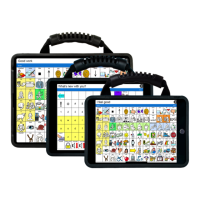
Talk To Me Technologies wego A - User Manual

Talk To Me Technologies wego A
32 pages
Print Icon
To Next Page IconTo Next Page
Loading...
Grid for wego User Guide
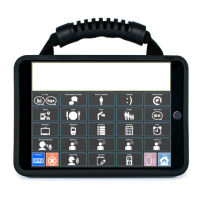
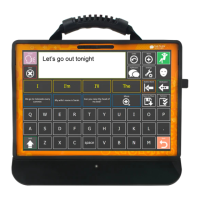
For wego 7, 10 & 13A-D Speech-Generating Devices
Find more resources online: talktometechnologies.com (click Support)
WGUG 9.18.20
SymbolStix®, Copyright 2021, SymbolStix, LLC. All rights reserved.

Other manuals for Talk To Me Technologies wego A

Question and Answer IconNeed help?

Do you have a question about the Talk To Me Technologies wego A and is the answer not in the manual?

Summary

Hardware, buttons and features

Power

Button to turn the device on/off or put it in sleep mode.

Volume

Toggle to adjust audio volume levels up or down.

Home

Button to return to the home screen or swipe up from bottom.

Charging the device

Location of the charging port and charging instructions.

Guided Access

User settings

Edit mode

Copy and paste a button

Hide;show cells

Edit word pronunciation

Link;jump to grid;page from new button

Link;jump to grid;page from existing button

Change button label, image and message (UniversalCORE;QuickStep)

Change button label, image and message (OnWord;Zoom)

Onward Text Qwerty

Saved phrases

Edit;add to word lists button (UniversalCORE;QuickStep)

Edit;add to word lists (OnWord;Zoom)

Speech settings

Change button access

Take photos to use in a vocabulary set

Import photos from a computer to your device

Pair the TTMT Speaker (SPKR)

Install communication software updates

Talk To Me Technologies wego A Specifications

General IconGeneral
BrandTalk To Me Technologies
Modelwego A
CategoryRecording Equipment
LanguageEnglish

Related product manuals