INGLÉS
9 / 14
With AC/DC Adaptor:
1. Plug the adapter into the wall socket and
another end plug into the earphone jack
2. The LCD display battery Level icon
flashing when it under charging.
3. Charge arrange 3 hours, the battery Level
display full bar
and red LED will on.
4. During charging, the unit will auto off,
After charging, please turn on the unit.
With Desk Top Charger
1. Plug the adaptor into the desk top charger.
2. Put the radio into the charger.
3. During charging, the LED of the charger
will on, the radio remain on.
4. Charge around 6 hours, the LED of the
charger will off & the radio red LED will on,
and then take out the radio to stop
charging.
Warning: Use only the enclosed AC/DC
adaptor or desktop charger. Do not use other
brand or type of adaptor or desktop charger,
otherwise, it will damage the radio and
battery.
Technical Specification
Operating frequency :
446.00625 to 446.09375 MHz
Channels : 8
CTCSS : 38 codes
Channel Spacing: 12.5 KHz
Transmit power : 500mW
Battery : 3.7V 700mAh Lion
rechargeable battery
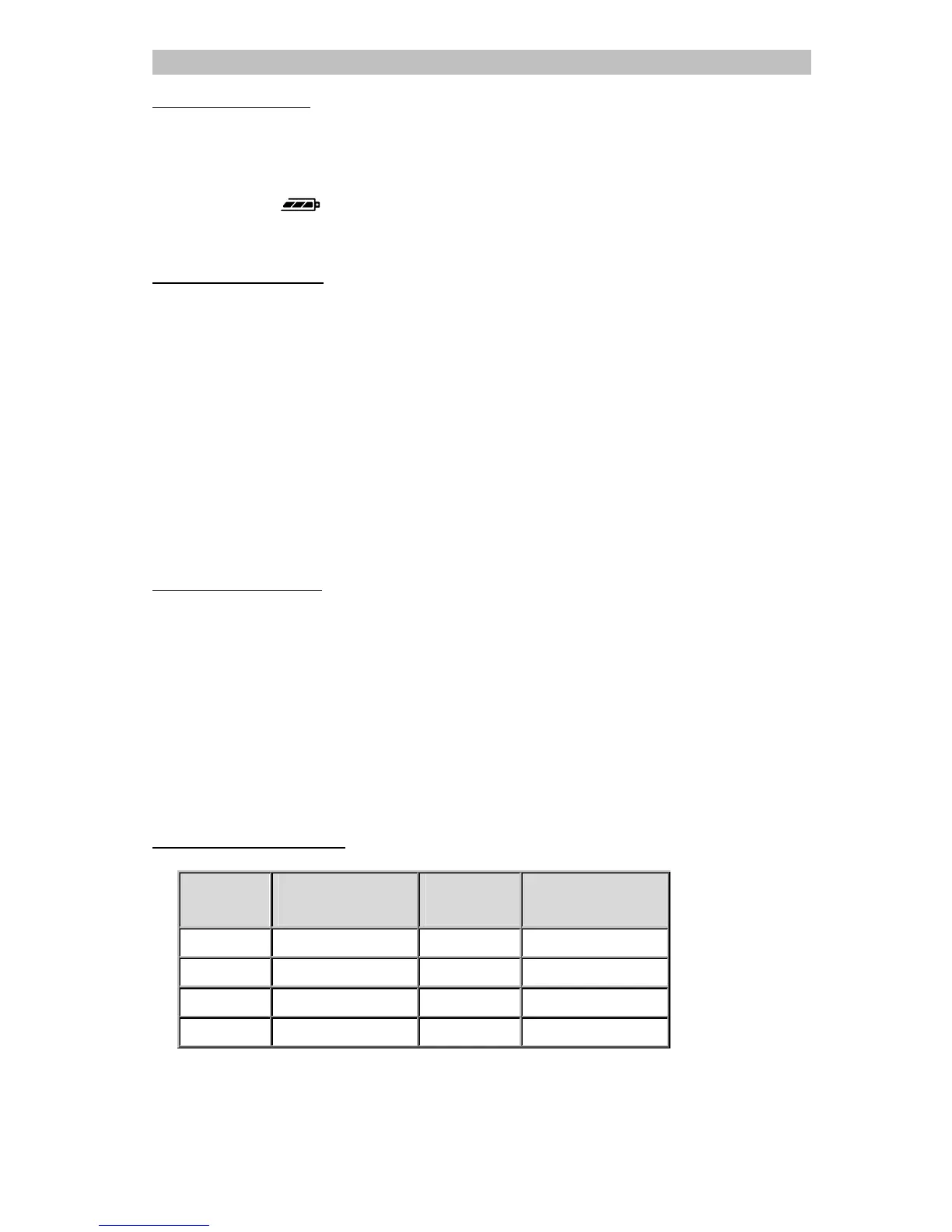
Channel Frequency Table
Channel
Frequency (MHz)
Channel
Frequency (MHz)
1 446.00625 5 446.05625
2 446.01875 6 446.06875
3 446.03125 7 446.08125
4 446.04375 8 446.09375



 To Next Page