INGLÉS
6 / 14
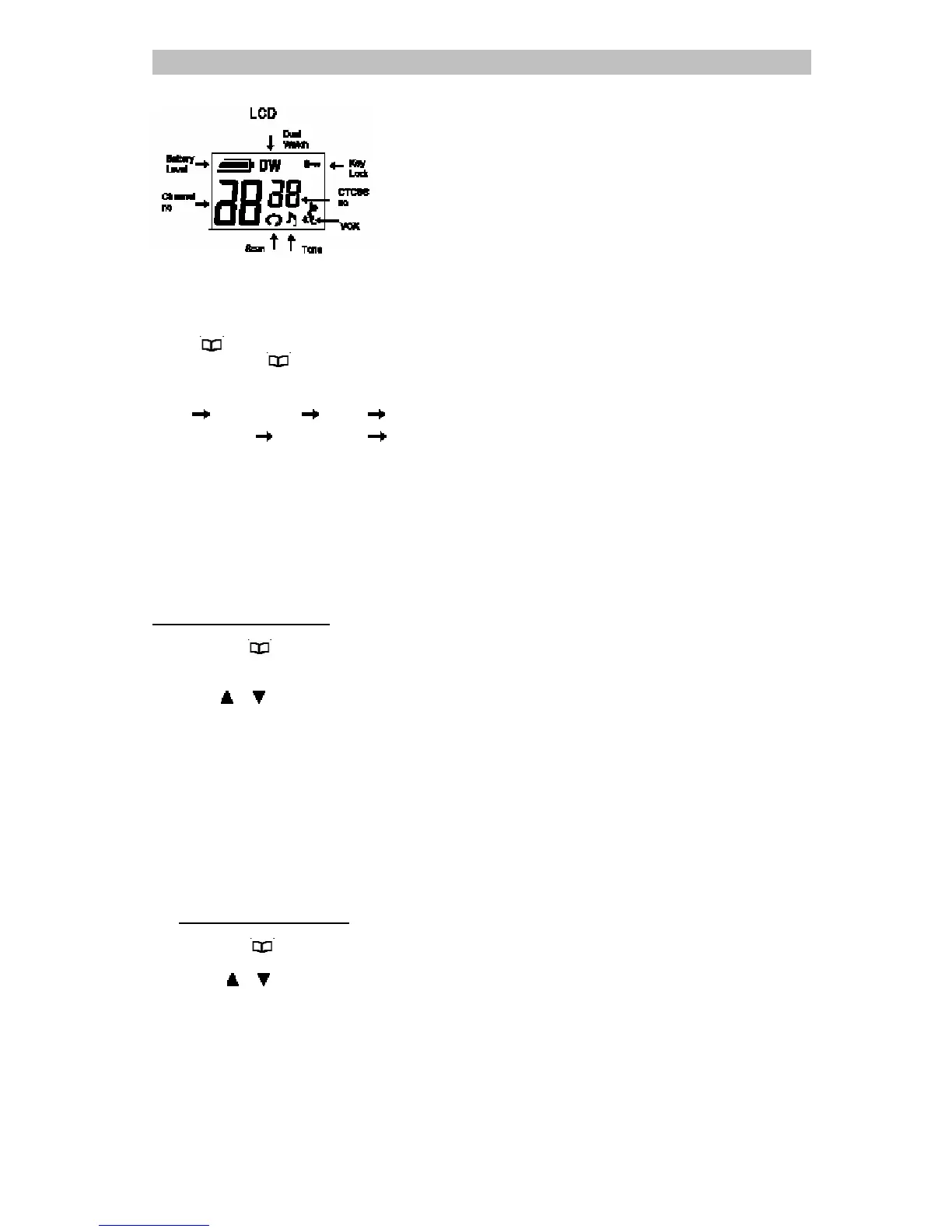
MENU FLOW CHART
Press"
" once to enter main channel
selection press " " again for next function
selection.
Menu Main channel CTCSS Call tone
VOX sensitivity
VOX overtime Dual Watch
SELECT CHANNEL
You can communicate with any other user who
is using the same channel.
To set the main channel
1. Press the"
" key once, the channel
number display will flash,
2. Press"
"," " key to select your desired
main channel.
3. Press the "PTT" key to confirm, the
channel number display will stand.
CTCSS CODE FUNCTION
This function can help you to identify your group of
users among the same channel. Only the users
with the same CTCSS tone can listen and talk to
each other, but all the users on the same channel
can listen to the conversation.
To select a CTCSS code
1. Press the "
"key twice , the CTCSS code
display will flash,
2. Press "
"," " key to select your desired
the CTCSS code (1~38, " 0 " is off)
3. Press the "PTT" key to confirm, the CTCSS
code display will stand.



 To Next Page