TX7221 Multichannel I/O Module
Installation & Operation Manual
4050100535-Rev1.1-1018
TANDA UK
Specifications are subject to change without prior notice
Note: the address of this module is a 9 address module, the electronic code is the first address, and
the other 8 addresses are generated sequentially. The order of the address is in turn active output, 4
passive output, 4 input.
4 General Maintenance
1. Inform the suitable personnel before conducting the maintenance.
2. Disable the interface module on the control panel to prevent false alarm.
3. Do not attempt to repair the circuitry of the interface module, it may affect the operation to
respond to a fire condition and will void the manufacturer’s warranty.
4. Notify again proper personnel after conducting the maintenance and make sure to enable
the interface module and confirm if up and running.
5. Perform the maintenance on semi-annually or depending on the site conditions.
5 Troubleshooting Guide
The wiring is loose
The address is duplicate
Conduct maintenance
Re-Commission the device
The damage the electronic circuit
Appendix 1
Limitation of Interface Module
The Interface Module cannot last forever. In order to keep the interface module working in good
condition, please maintain the equipment continuously according to recommendations from
manufacturers and relative nation codes and laws. Take specific maintenance measures on the
basis of different environments.
These interface module contains electronic parts. Even though it is made to last for a long period of
time, any of these parts could fail at any time. Therefore, test your module at least every half-year
according to national codes or laws. Any interface module, fire alarm devices or any other
components of the system must be repaired and/or replaced immediately as they fail.
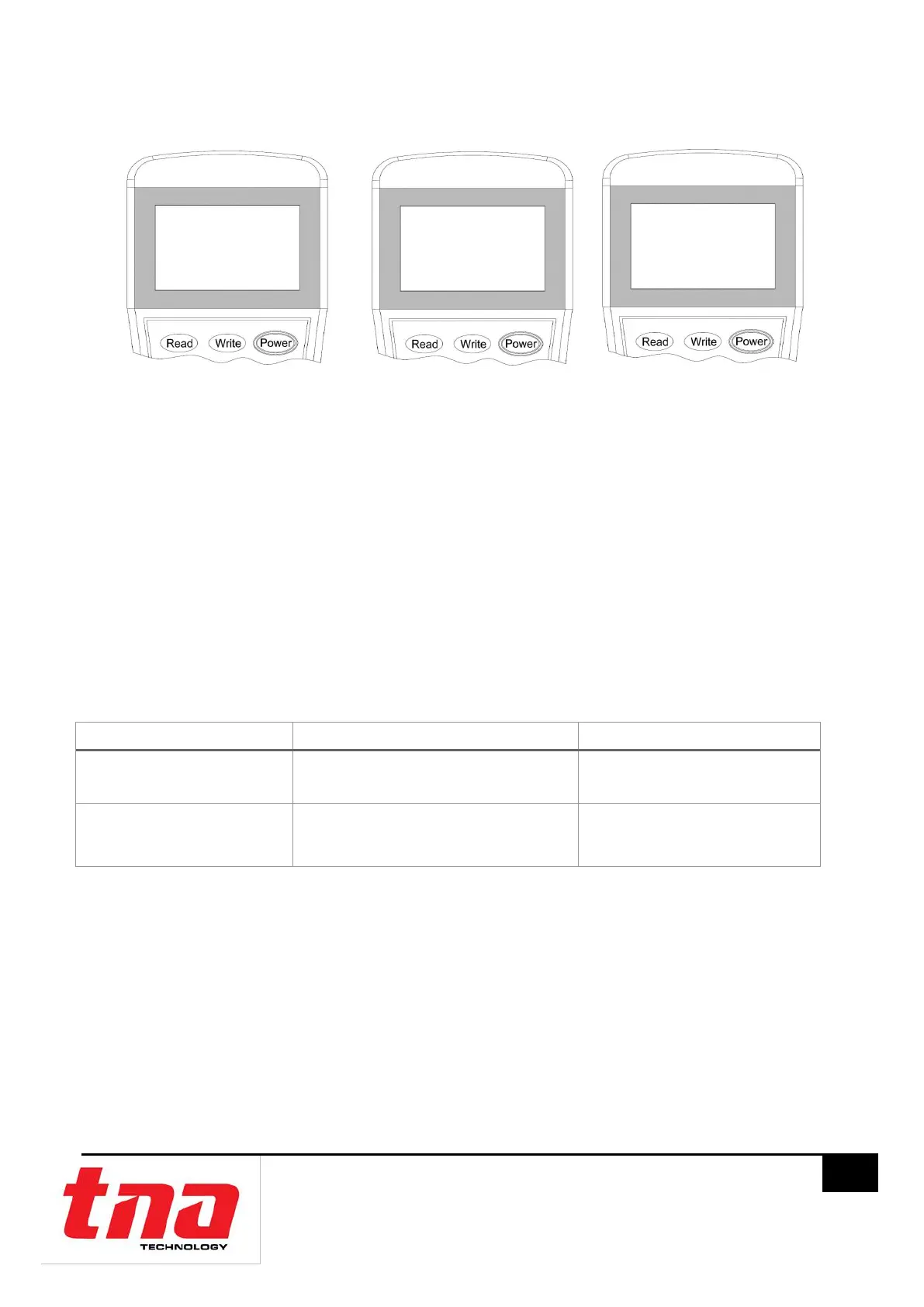
1. Read
2. Write T T
3. R/W Config 7 7
4. Set
Address: 001
Next Address: 003
Success



 To Previous Page