EasyManua.ls Logo

Tandy TRS-80 4D - Page 29

Default Icon
48 pages
Print Icon
To Next Page IconTo Next Page
To Previous Page IconTo Previous Page
Loading...
Chapter 4
Writing
a BASIC
Program
You have
used TRSDOS
to copy diskettes
and
see what
is
on
them. Now
you
will
see
how
TRSDOS
interacts with
an application
program
to help
you do something
practical.
In this
chapter,
you
will
create and
run
a
sam-
ple
BASIC program.
After running
the pro-
gram,
you
will
learn how
to
copy
the
file
to
another
diskette and how
to remove
it from
the diskette.
Loading
BASIC
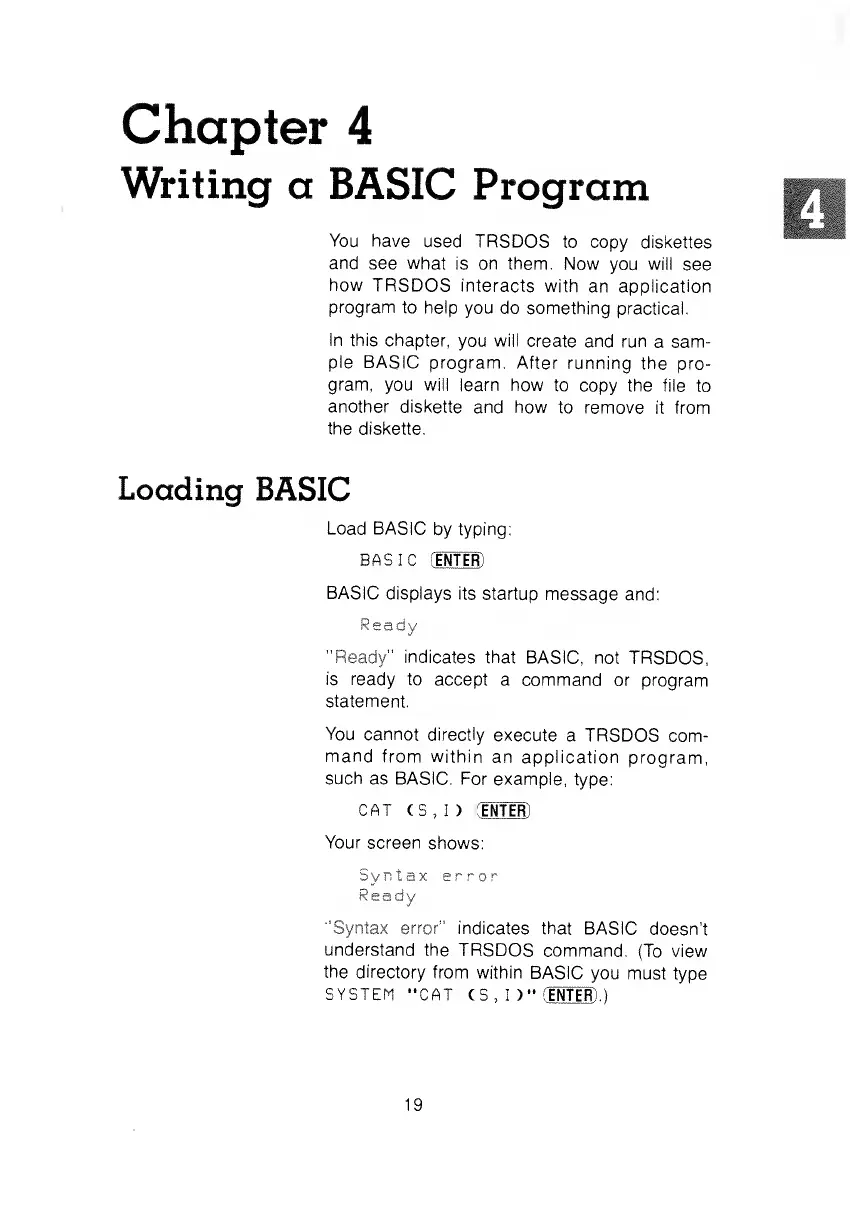
Load BASIC
by
typing:
BASIC
CENTER]
BASIC
displays its
startup message
and:
Ready
"Ready" indicates that
BASIC, not
TRSDOS,
is ready
to
accept a command
or program
statement.
You cannot
directly
execute
a TRSDOS
com-
mand
from within
an application
program,
such
as BASIC.
For example,
type:
CAT (S,
I ) CENTER)
Your screen
shows:
Syntax
error
Ready
"Syntax error" indicates
that BASIC
doesn't
understand
the TRSDOS
command.
(To view
the directory
from within
BASIC
you must
type
SYSTEM
"CAT
(S, I
)"
CENTER)
.)
19