Writing and Running
a
Program
Write
a
BASIC
program
by
typing:
1
CLS (ENTER)
20
PRINT
@
672,
"HELLO!"
(ENTER)
30 PRINT @
818,
"I SEE WE
SPEAK THE SAME
LANGUAGE. .
."
(ENTER)
40
PRINT
@ 986
,
"BA SICALLY
SPEAKING." CENTER)
When you run this
program, the
CLS
com-
mand will clear the screen. The PRINT («
command will tell
BASIC
to
print the text at the
specified position.
If you type
a
line
incorrectly,
simply press
(ENTER
)
and type it again,
correctly.
When
fin-
ished typing the program, press (ENTER) .
Test
the program
by
typing BASIC'S RUN
command:
RUN (ENTER)
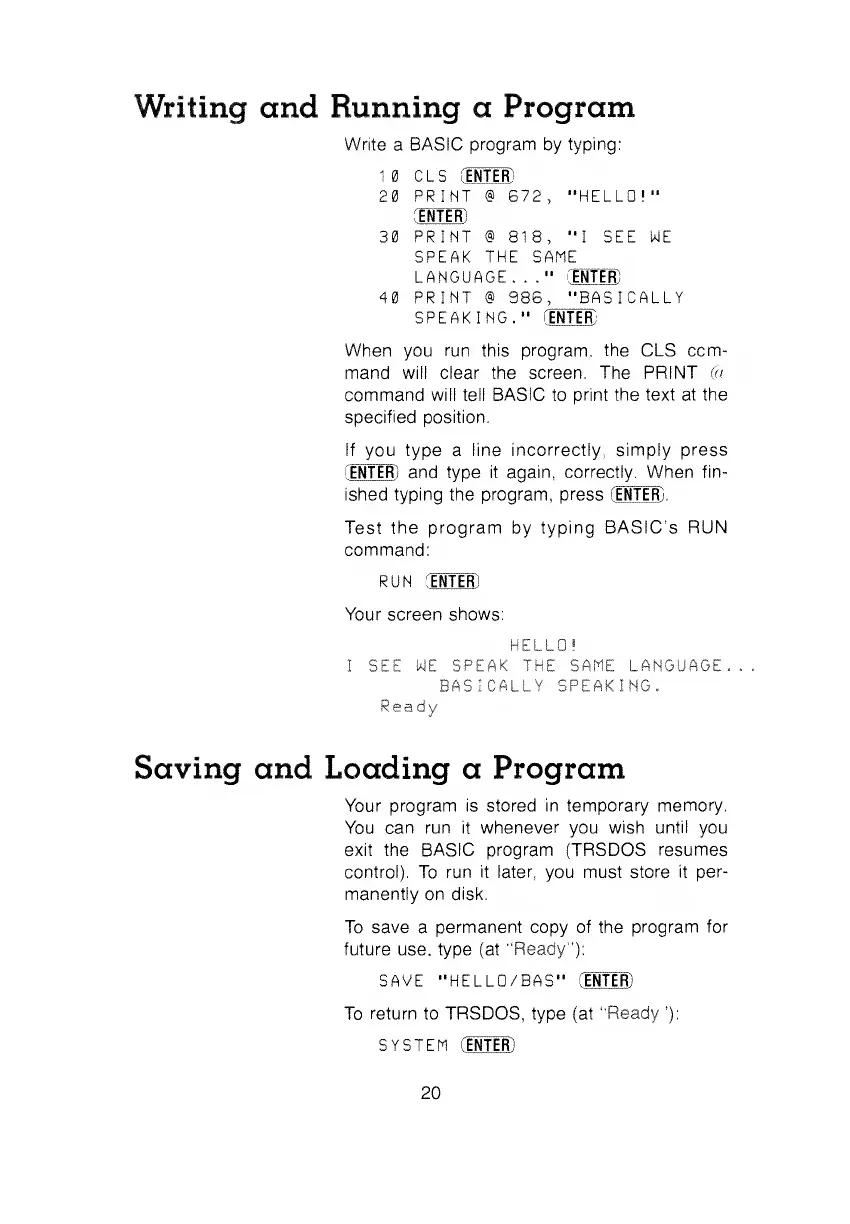
Your screen shows:
HELLO!
I SEE WE
SPEAK THE
SAME
LANGUAGE
BASICALLY SPEAKING,
Ready
Saving and Loading
a
Program
Your program is stored in temporary
memory.
You can run it whenever you wish
until
you
exit the BASIC program (TRSDOS resumes
control).
To
run
it
later, you must store
it per-
manently on disk.
To
save
a
permanent copy of the
program for
future use, type (at
"Ready"):
SAVE
"HELLD/BAS" (ENTER)
To
return to TRSDOS, type (at
"Ready
'):
SYSTEM (ENTER)
20


 To Next Page
 Loading...