EasyManua.ls Logo

Tandy TRS-80 4D - Page 34

Default Icon
48 pages
Print Icon
To Next Page IconTo Next Page
To Previous Page IconTo Previous Page
Loading...
The only
Tandy-approved
method of head
cleaning is
the
use of a Universal Disk
Drive
Head Cleaning
Kit
(Cat. No. 26-408).
Regular
cleaning
with this kit
will help prevent
costly
disk drive repair
later.
The
Computer's
Warning
System
When an error
message
appears on
your
screen,
it
can come from
one of three
sources: an
application program,
a
TRSDOS
command, or
TRSDOS.
Application
Program
Messages
An
application program
gives
you
an
error
message to warn
you that
you may be using
the
program incorrectly.
For
example,
suppose
you try to
delete
from
a
mailing
list data file an
entry
that
does
not
exist. The
program dis-
plays
a message
to that effect.
For
help in
understanding
application
program
messages,
see your
application program
manual.
TRSDOS
Command
Messages
Some
TRSDOS
commands give
you an error
message
to warn
you that
you are misusing
the command.
These
messages tell
you ex-
actly what
to do about the
problem.
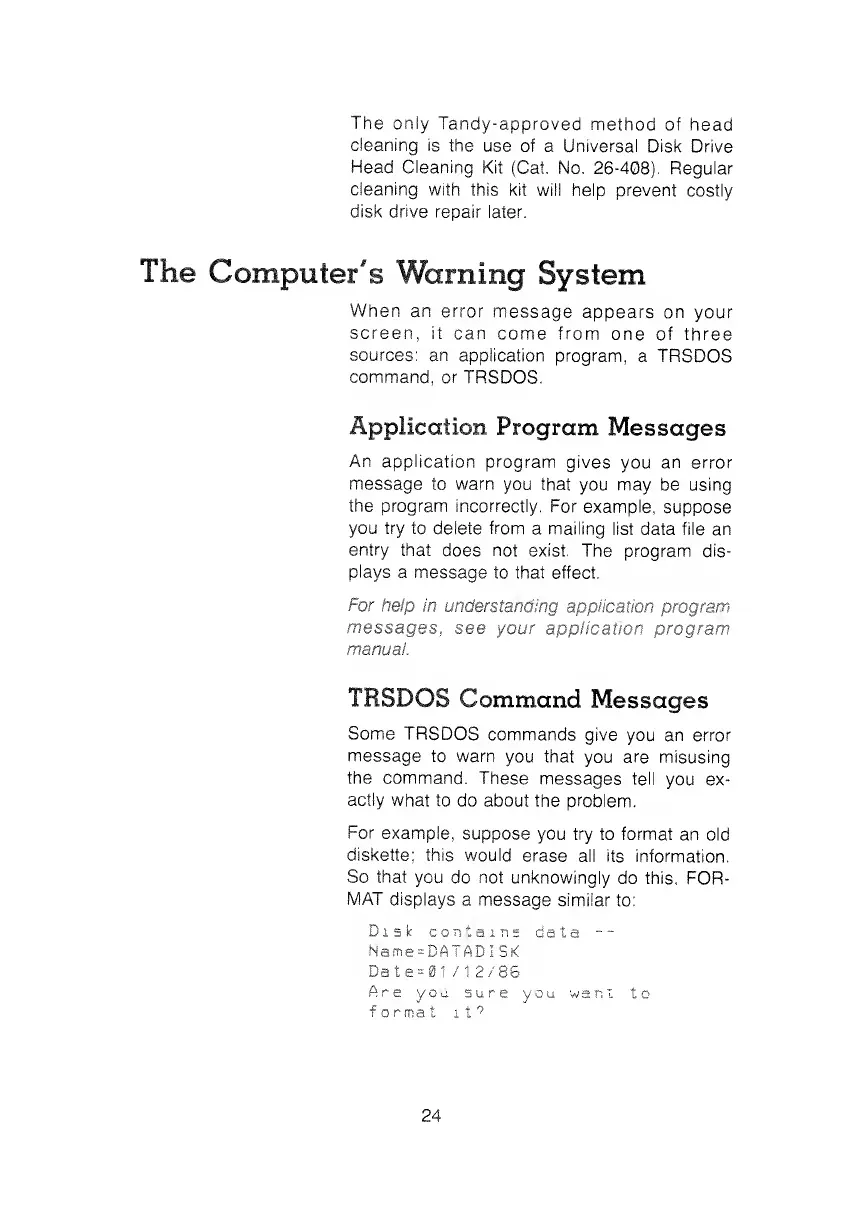
For
example,
suppose you try
to format
an old
diskette;
this would
erase
all its information.
So
that
you do
not
unknowingly
do this,
FOR-
MAT
displays
a message similar
to:
Disk
contains
data
--
Name=BATADlSK
Date=01 /1 2/86
Are
you sure you
want
to
format
it?
24