- 11 -
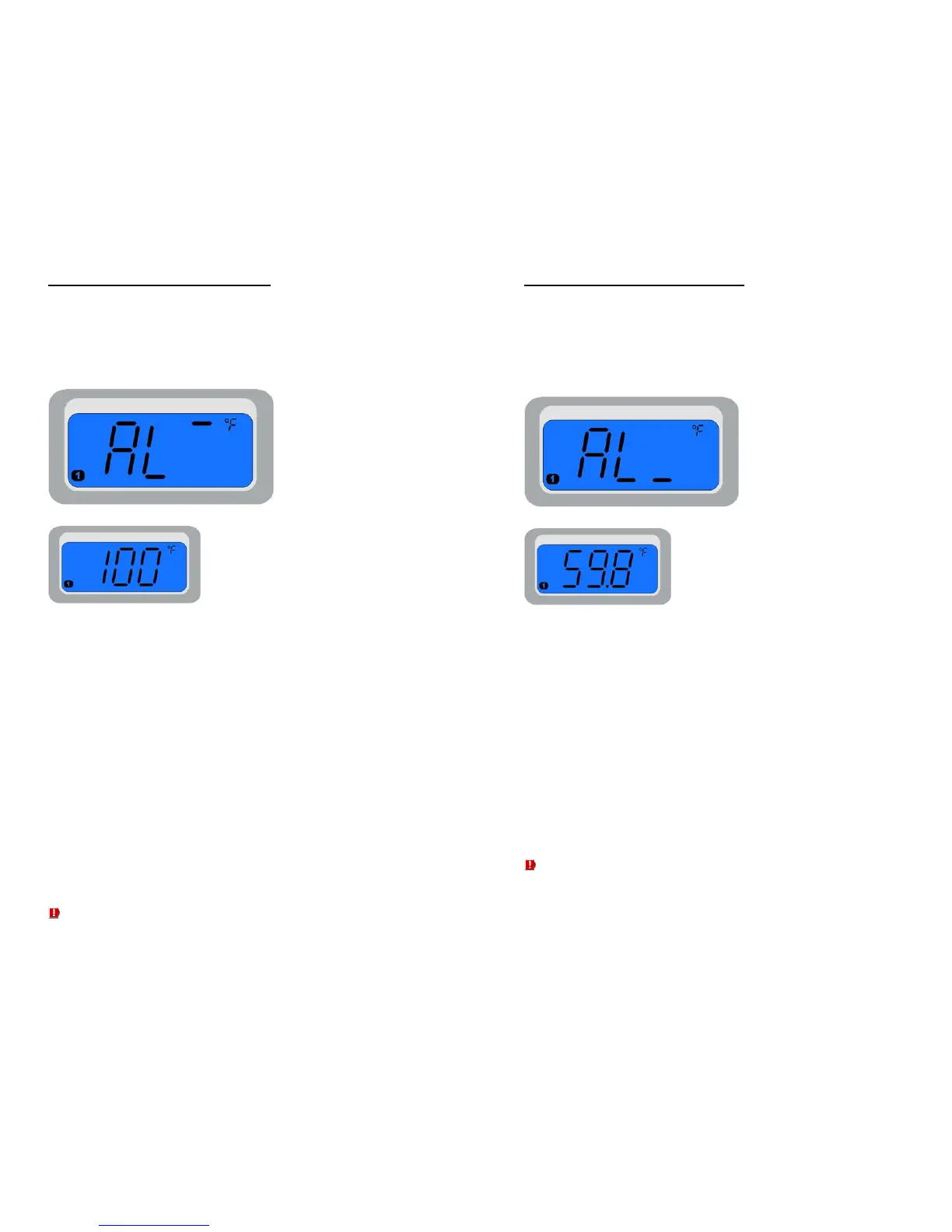
High Alarm Threshold (“AL
--
”)
This parameter determines the probe temperature above
which an alarm will be triggered.
Programming:
To adjust the high alarm temperature threshold for the
selected probe alarm:
1. Press and release the SET button as needed to advance
to the “AL
--
” parameter for the desired probe
2. Press the UP or DOWN button once to display the current
parameter value. With the current value displayed, use
the UP/DOWN buttons to adjust the parameter to the
desired value
3. Hold the SET button to exit programming mode OR press
and release the SET button again to advance to the next
programming parameter
This parameter is only accessible when the corresponding probe alarm is
enabled (PxA = “On”, where x = probe number).
- 12 -
Low Alarm Threshold (“AL_”)
This parameter determines the probe temperature below
which an alarm will be triggered.
Programming:
To adjust the low temperature threshold for the selected
probe alarm:
1. Press and release the SET button as needed to advance
to the “AL_” parameter for the desired probe
2. Press the UP or DOWN button once to display the current
parameter value. With the current value displayed, use
the UP/DOWN buttons to adjust the parameter to the
desired value
3. Hold the SET button to exit programming mode OR press
and release the SET button again to advance to the next
programming parameter
This parameter is only accessible when the corresponding probe alarm is
enabled (PxA = “On”, where x = probe number).


 To Next Page