MINI KEYPAD WITH USB 2.0 HUB
1 Turn off your computer.
2 Plug the standard USB end of the cable into an available
USB port on your computer.
3 Turn on your computer. The Found New Hardware
Wizard appears. If it does not, the operating system has
installed the default driver automatically. No other steps
are necessary.
4 Click Next. The wizard searches for the appropriate
device driver.
5 Click Next.
6 Click Finish to complete the driver installation.
You are now ready to use the device.
Connecting the device to Your
Computer
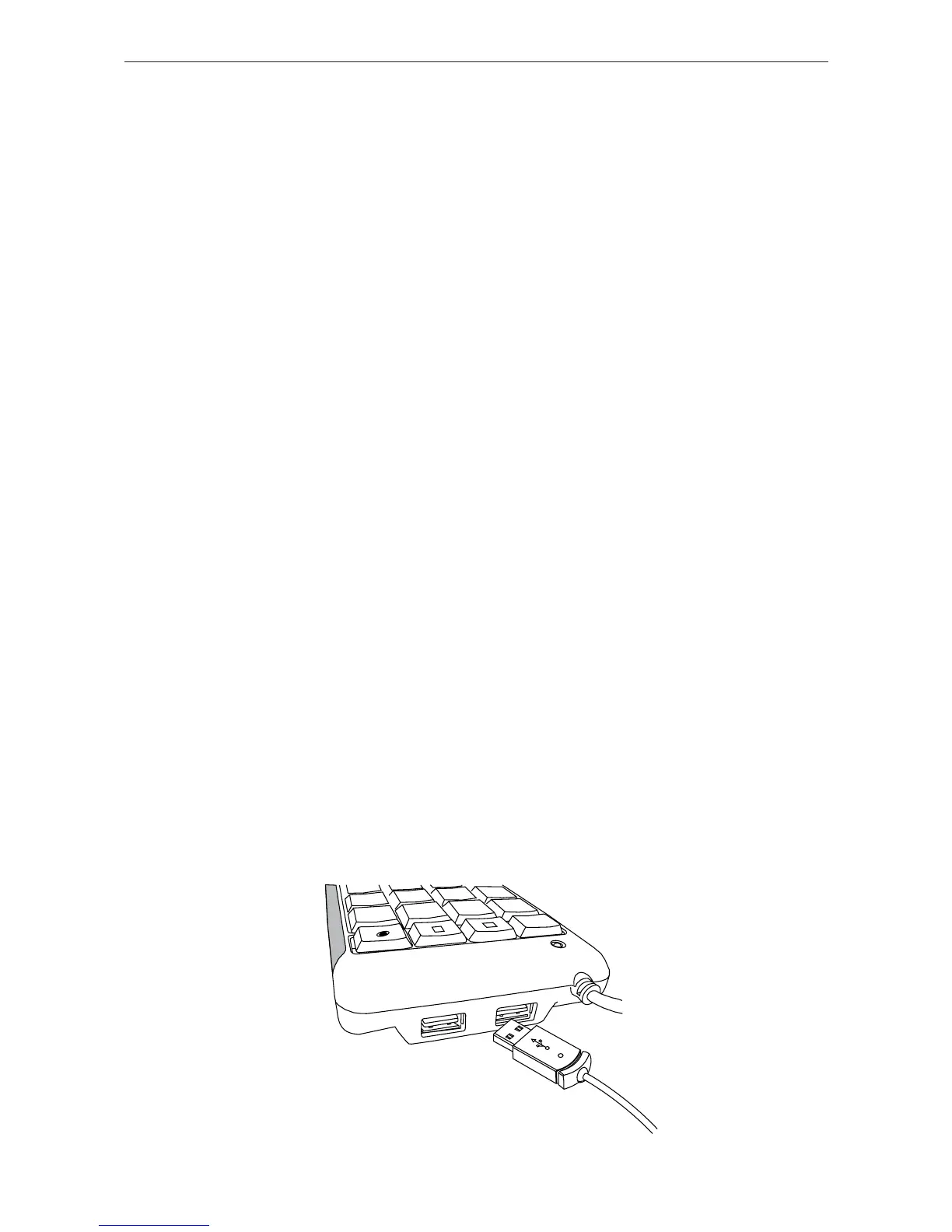
Using the USB Hub
(A) Connect the USB Keypad to the computer using the
USB cable.
(B) Connect your USB device(s) to the USB ports located
on the side of the USB Keypad.














 To Next Page