
 Need help?
Do you have a question about the Targus Stow-N-Go AKP01US and is the answer not in the manual?
Lists items included in the product package for the wireless keypad.
Specifies the necessary PC hardware for using the wireless keypad.
Lists compatible operating systems for the wireless keypad.
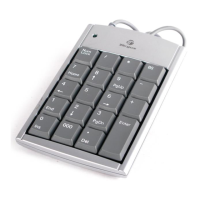
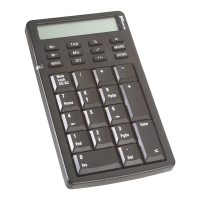
Explains the function of each key based on NumLock status.
Provides advice for optimal performance and RF reception.
 General
| Type | Keypad |
|---|---|
| Connectivity | Wireless |
| Connectivity Technology | Bluetooth |
| Pointing Device | No |
| Number of Keys | 19 |
| Keyboard/Keypad Host Interface | Bluetooth |
| Keyboard Layout | Numeric |
| Compatibility | Windows |
| Battery Type | AAA |












 To Next Page