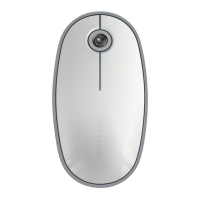
Installing the Batteries
• Please use the two AA batteries that are included.
• Remove the battery cover by sliding the release button on the bottom of the
mouse. Once the battery cover releases, simply lift it up from the back of the
mouse.
• Insert the batteries, making sure that the positive (+) and negative (-) ends of
each battery match the polarity indicators inside the battery compartment.
• Once the batteries are installed. Close the battery compartment by first
re-inserting the front of the cover and then pressing down the back until it
locks into position.
• Turn on the mouse by sliding the on/off switch on the bottom to the “on”
position.



 To Next Page