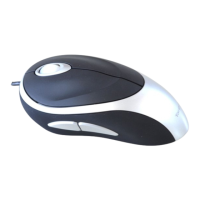
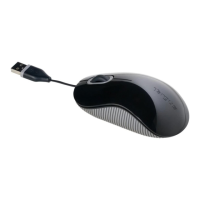
Targus Optical Stow-N-Go
TM
Notebook Mouse
This mouse is equipped with a 4-way scrolling function.
Installing the tilt-wheel software driver
To enable the tilt-wheel function, the software driver must be installed.
NOTE: PLEASE SELECT THE "3 BUTTON MOUSE" OPTION WHEN PROMPTED TO
DO SO.
2. The Installation Wizard window will prompt.
Follow the on-screen instructions to complete the installation.
After the software driver is successfully installed, there will be a “Tilt
Mouse” icon located in the task bar.
NOTE: THE TILT-WHEEL FEATURE IS SUPPORTED BY THE MAC OPERATING
SYSTEM. NO DRIVER INSTALLATION IS NECESSARY. THE FOLLOWING STEPS
ARE FOR WINDOWS OPERATING SYSTEMS ONLY.
1. Please download the software driver (Model # AMU40) from the
official Targus web site: http://www.targus.com
Save the setup.exe file to your computer and double click on the icon
to launch the installation process.



 To Next Page