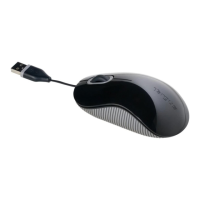
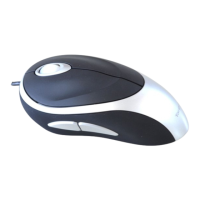
Targus Compact Optical Mouse
3
• To extend the USB cord, hold the mouse in one
hand and the USB connector in the other and
pull both ends of the cord away from the cord
wheel at the same time.
• To retract the USB cord, extend both ends of the
cord slightly and release quickly.
• When the ideal length of USB cord is fixed, plug
the mouse USB connector into your computer’s
USB port and you are ready to go.
Retractable Cord



 To Next Page