EasyManua.ls Logo

Tasco Telereader FXR-550 - Setup and Connections; Power and Video Hook-up; RGB and Receiver Connections

Tasco Telereader FXR-550
25 pages
Print Icon
To Next Page IconTo Next Page
To Previous Page IconTo Previous Page
Loading...
3.
Hookrup
(1)
Hooking
up
the
power
supply
After
making
sure
that
the
stabilized
power
source
provides
voltage
within
the
range
of
13V
to
14V,
turn
off
the
power
switches
of
the
power
source
and
the
FXR-550.
Connect
the
red
wire
to
the
positive
terminal
and
the
black
wire
to
the
negative
terminal
of
the
power
source.
(2)
Hooking
up
a
video
monitor
For
the
video
monitoring,
either
a
monochromatic
CRT,
graphic
display
or
ordinary
television
set
equipped
with
video
terminals
can
be
used
(monochromatic
display
even
on
a
color
CRT)
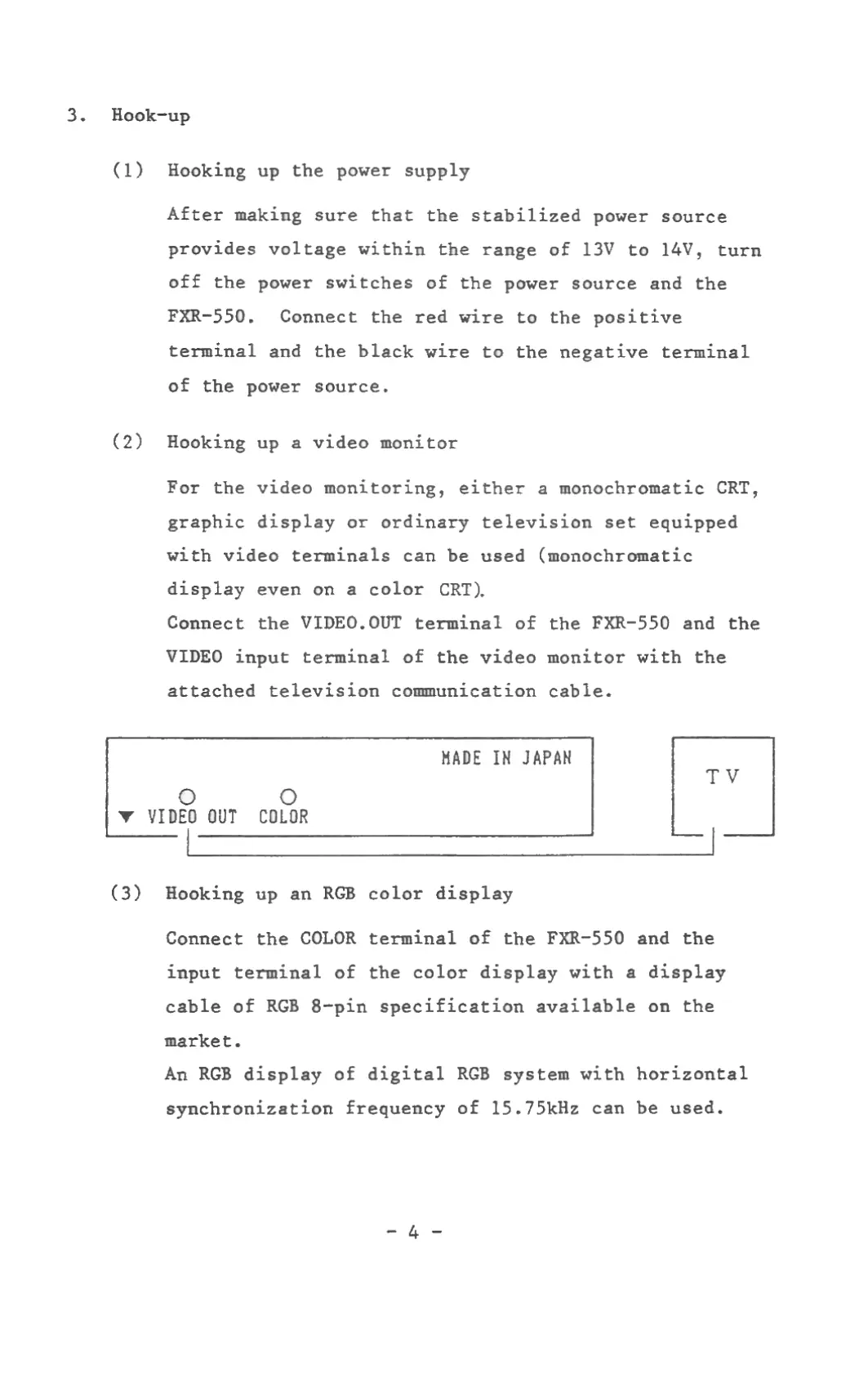
Connect
the
VIDE0.0UT
terminal
of
the
FXR-550
and
the
VIDEO
input
terminal
of
the
video
monitor
with
the
attached
television
communication
cable.
HADE
IN
JAPAN
T“V
C)
(D
Y
VIDEO
UUT
CDLUR
(3)
Hooking
up an
RGB
color
display
Connect
the
COLOR
terminal
of
the
FXR-550
and
the
input
terminal
of
the
color
display
with
a
display
cable
of
RGB
B—pin
specification
available
on
the
market.
An
RGB
display
of
digital
RGB
system
with
horizontal
synchronization
frequency
of
15.75kHz
can
be
used.
-4-