9
7.Historical Data Review and Delete
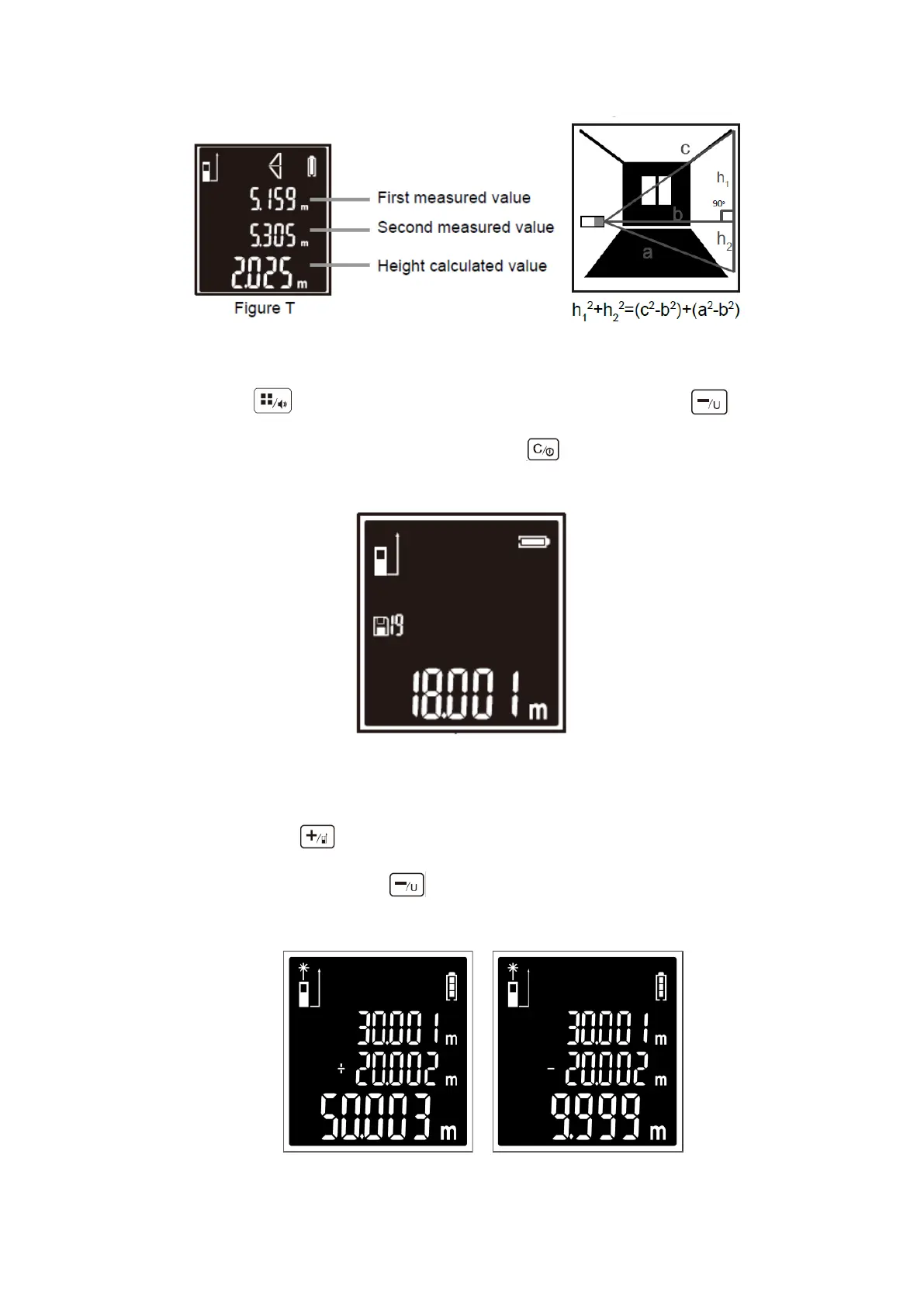
Press the button for 5 times into the historical data reading. Short-time press
to view the previous measurement data. Short-time press to delete the measurement one by
one. Historical Data range: 0-19. The screen shown as figure U.
Figure U
8. Addition and Subtraction Functions
Short-time press button , the next measuring data add the previous measuring data, the screen
shown as figure V. Short-press button again, the previous measuring data subtract the current
measuring data, The screen shown as figure W.
Figure V Figure W


 To Next Page