7
5.Switch off
The equipment can be switched off at any time by long-time press .
MEASUREMENT MODE
1.Single measurement
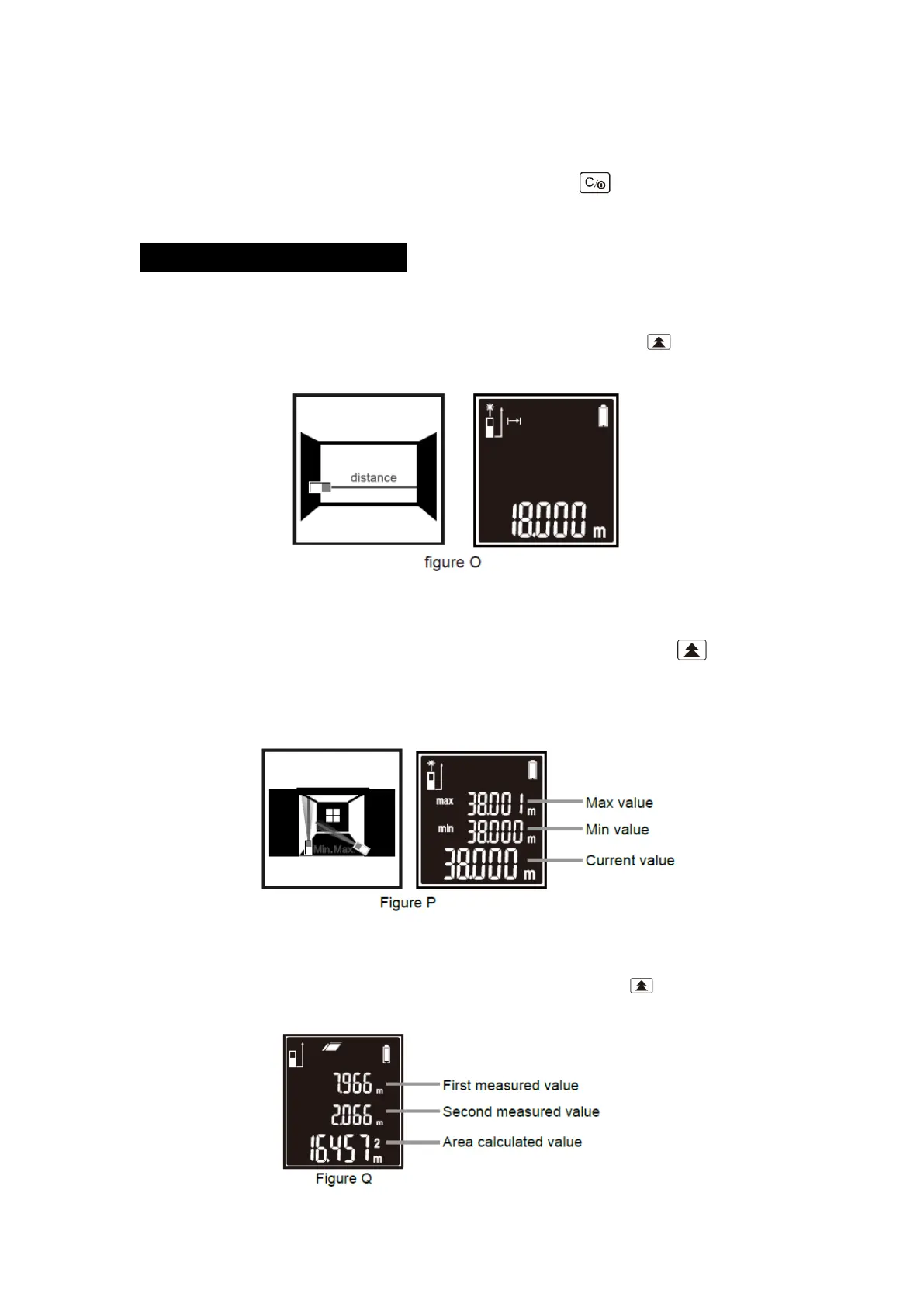
In the Single Measurement Mode, aim the laser onto target. Short-time press . The measuring
result will be displayed immediately shown as figure O.
2. Continuous measurement
Single Measurement Mode only, aim the laser onto target, then long-time press to enter the
continuous measurement, the Max measuring value, Mix measuring value and Current measuring
value will be displayed at screen. Indication as shown as figure P.
3. Area Measurement
In the Area Measurement Mode, aim the laser onto target. Short-time press to measure the two
side lengths of the target respectively, area calculated value will be displayed as shown as figure Q.


 To Next Page