Basic Operation Instructions for Camera/Photo:
Power ON/OFF
— Press
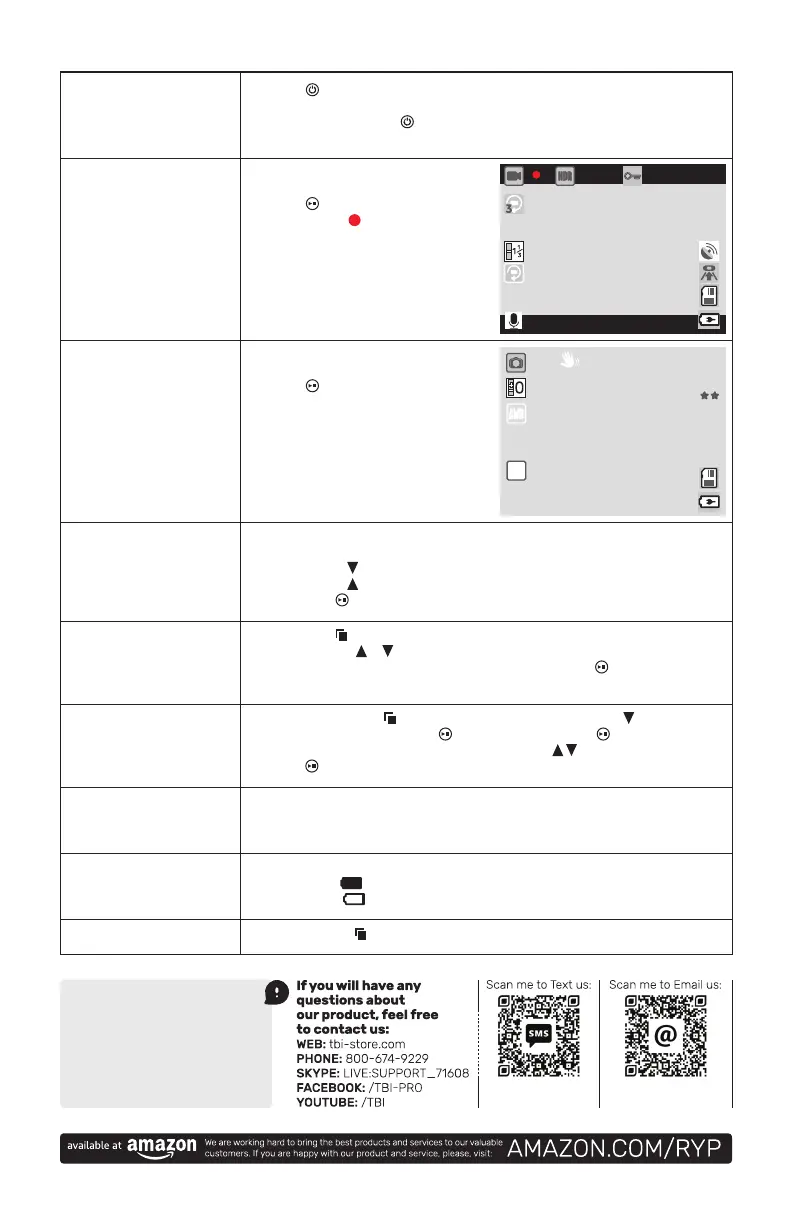
Camera Mode
— Short press the M
— Press
the button to start recording,
the video icon
and enter the recording mode.
Exit the Setup Menu
— Short press the button to exit the setting state.
Time Setting
— Press the short press key to enter the setting item, short press the key to select
the date setting, short press the
key to enter, short press the
the required value,
press
Video/Photo Playback
— Short press the M
is displayed in the upper left corner of the screen.
— Short presses
— Short presses
— Short press
Menu Settings
— Short press the button to call up the setting menu.
— By pressing the
or
— Select the setting item that needs to be changed and press the
key to enter
USB Mode
Battery Instructions
— Battery indicator, please refer to the illustration...
— Full battery:
1080FHD
00:00:00
2019/01/01 00:00:00
Photo Mode
— Short press the M
— Press
the button to take a photo.
When the picture is taken, the screen
photo is completed.
3M
00:00:00
ISO
AUTO
4
Register product
for 12-month warranty:
Email us:
support@tbi-pro.com
Text us:


 To Previous Page
 Loading...