EasyManua.ls Logo

TBK vision TBK-MD5541IR - User Manual

TBK vision TBK-MD5541IR
14 pages
Print Icon
To Next Page IconTo Next Page
Loading...
4 in 1
HD-TVI / AHD /HD-CVI/CVBS
User Manual
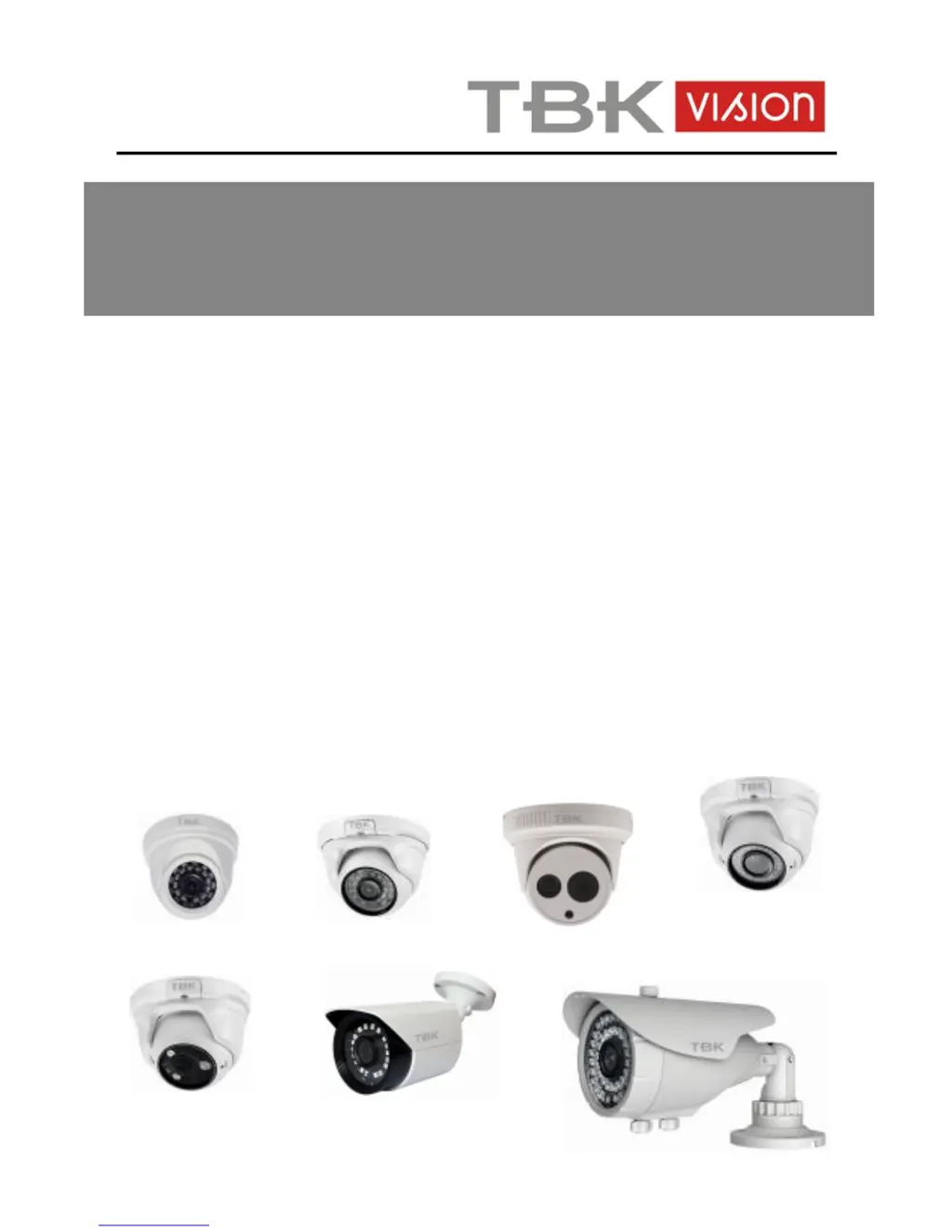
TBK-MD5541IR, TBK-MD5542EIR,
TBK-MD5543EIR, TBK-MD5741EIR, TBK-MD5742EIR,
TBK-BUL4541EIR, TBK-BUL4741EIR
Cameras HD 1080P

Questions and Answers

  • A
    aprilflemingAug 9, 2025
    What to do if my TBK vision Security Camera has no image?
    • P
      Pamela HolmesAug 9, 2025
      If your TBK vision Security Camera shows no image, ensure it's properly plugged into a power supply. If it is, try changing the power supply. Also, check the video cable connection and reconnect if necessary. Finally, verify that the camera's video standard matches your recorder's; if not, adjust the camera's video standard accordingly.
  • G
    Gary WhiteAug 25, 2025
    Why is my TBK vision TBK-MD5541IR image vague at night with horizontal stripes?
    • P
      Paul VasquezAug 25, 2025
      If your TBK vision Security Camera image is normal during the day but vague or has horizontal stripes at night, it may be due to insufficient power or an excessively long power cable. Try changing the power supply or shortening the power cable.

TBK vision TBK-MD5541IR Specifications

General IconGeneral
IR RangeUp to 30 m
Ingress ProtectionIP67
Night VisionYes
Night Vision RangeUp to 30m
Weather ResistanceYes

Related product manuals