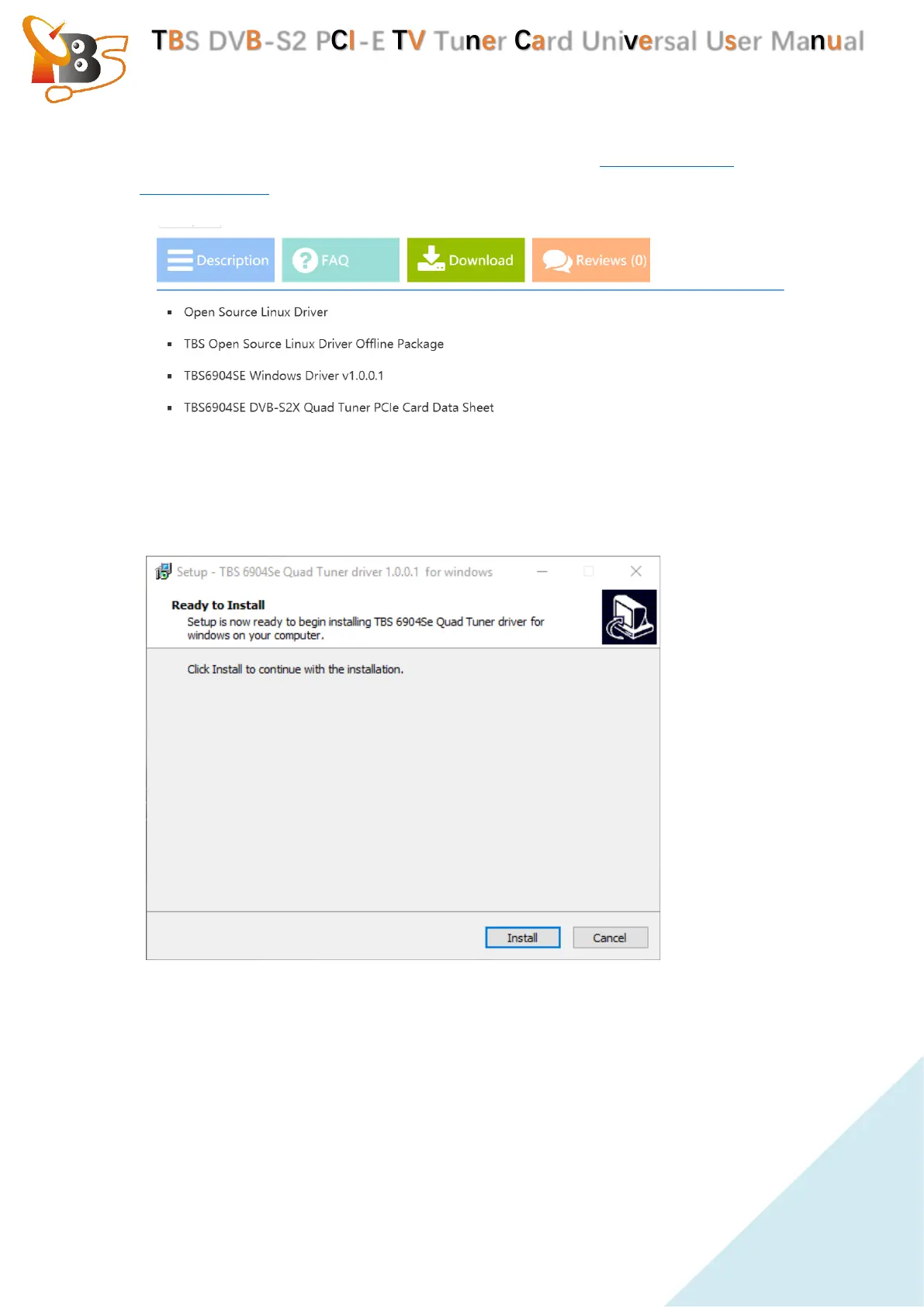
4.1.1. Download TBS6904se windows driver from website www.tbsiptv.com or
www.tbsdtv.com download section , or from page of TBS6904se download
section.
4.1.2. Install the Windows driver
Open the windows driver which downloaded from website, unzip the file and
click “TBS_6904se_driver_setup”, a new window will pop up , click “Install”:
After the installation is complete, a new window appears as shown below, click
“Finish”to complete the installation.


 To Next Page