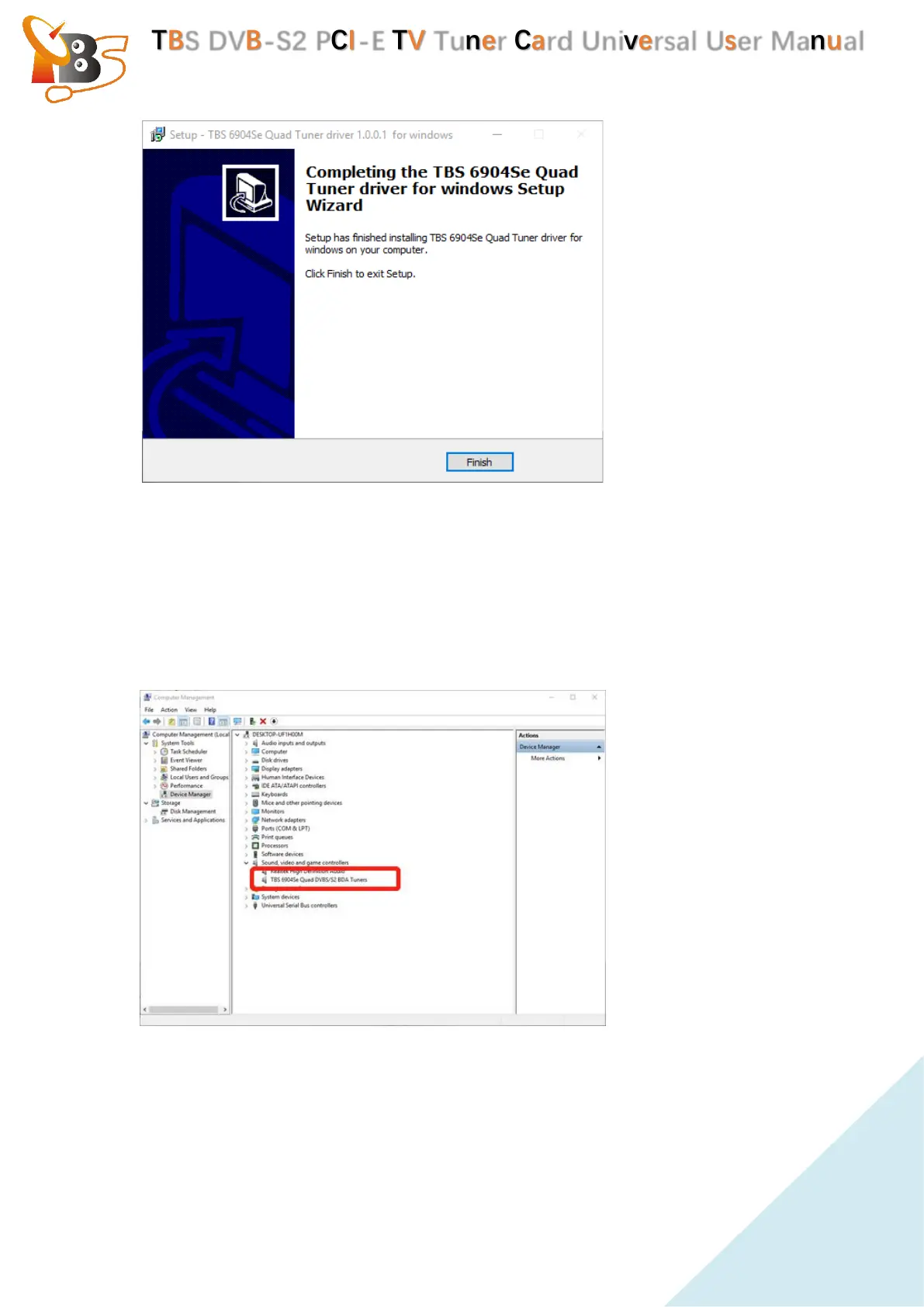
To verify whether the driver was correctly installed or not : choose“My
Computer”, right click and choose “System Properties” to pop up “System
Properties” windows, click“Hardware” → “Device Manager”. Then click
“+”in front of “Sound, video and game controllers”. If you can see
“TBS6904se Quad DVB-S2 BDA Tuners” that means you do have the driver
installed correctly. Just display as below:


 To Next Page