Choose the correct port, click “Add satellite”, then choose “properties”, to
make the same settings as before.
3.3.2.2. How to scan channels.
After setting up the LNBs, we can scan channels. there are two methods to scan
channels: auto scan and Manual scan.
when we do not know the specific frequency information, we choose auto scan, as
follow: Click “Option—channels – scan – auto scan”
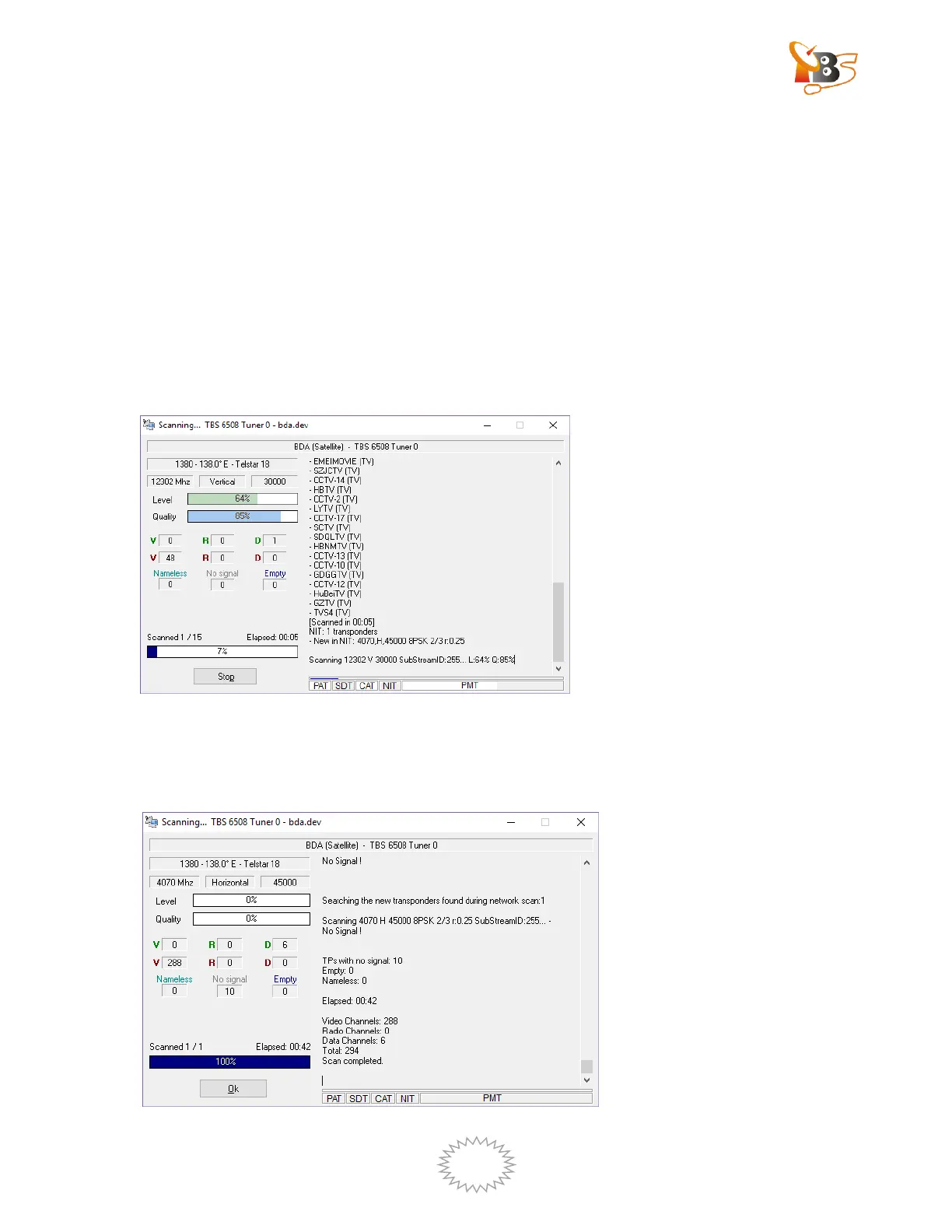
Waiting for the search is finished , a new window will pop up, from which you can get
the information about how many audio channels , videos channels or data channels
have been scanned.


 To Next Page
 Loading...