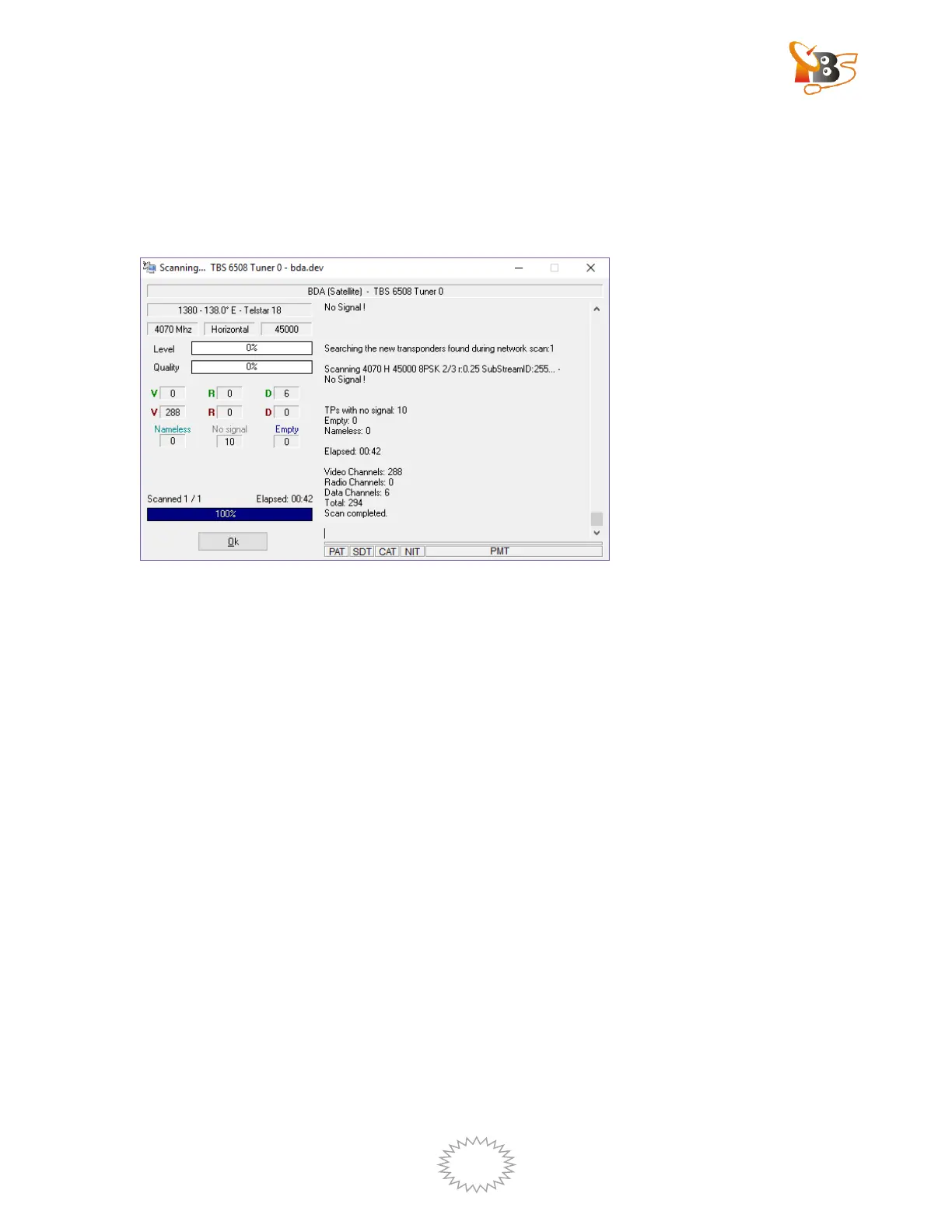
Once the scanning is complete, a new window will pop up, from which we can get the
information about how many audio channels, videos channels or data channels have
been scanned.
Click “OK”, you will find the program list appears on the left side of DVBDream and
you can watch TV.
If we know the specific frequency information, we can choose “Manual Scan”.
Choose the correct transponder, fill in the correct frequency and bandwidth, then
click “scan”, after scanning, click “Save channels”, then the program will appear
on the left side of DVBDream.


 To Next Page