■
Getting started
TC Electronic TonePrint Editor
■
Manual for software version 1.0 5
Pedal serial and software
version information
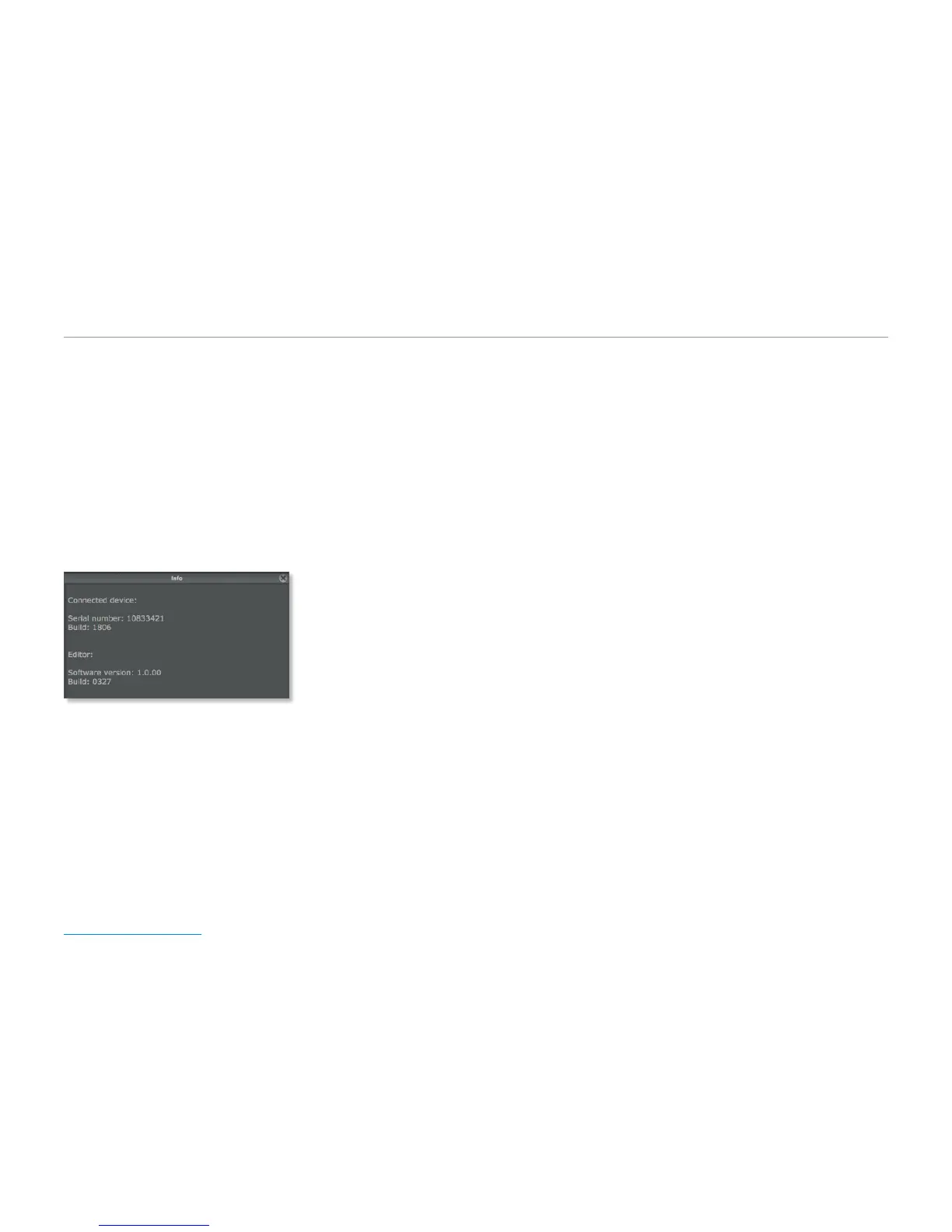
When a TonePrint-enabled pedal is connected to
your computer and you click the small “i” icon in
the lower left corner of the TonePrint Editor win-
dow, a dialog box will show the following informa-
tion:
■
Device serial number
■
Device firmware build number
■
TonePrint Editor software version number
■
TonePrint Editor software build number.
Your sound:
There’s a template for that!
We know: Going from a handful of knobs on a
pedal to a screen full of sliders can be a bit tricky,
and you may be intimidated by the idea of creat-
ing a TonePrint from scratch. This is why we have
provided you with Template TonePrints.
These templates allow you to load a base Tone-
Print and customize it instead of starting with a
blank slate. These templates are great for sketch-
ing out quick ideas, infusing your own concepts,
tweaks and preferences. If you are new to effects
and sound design, they will also give you an idea
of how a typical effect is set up.
Finally, if you got a bit overexcited and you find
that you are stuck with a TonePrint that just
doesn’t sound or work as it should, a Template
TonePrint can be your get-out-of-jail-free card.



 To Next Page