Need help?
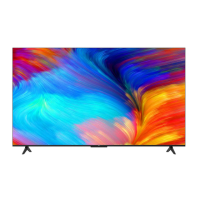
Do you have a question about the TCL 65P615 and is the answer not in the manual?
General safety guidelines for operating and positioning the TV set.
Precautions regarding product usage, ventilation, and screen care.
Guidelines for safe use of power cords and signal cables.
Safety notes and requirements for hanging the TV on a wall.
Step-by-step guide for initial TV configuration and setup.
Explanation of various input/output ports like HDMI, AV, LAN, USB.
Functions of buttons on the RC802N remote control.
Steps to connect the TV to a wired or wireless home network.
How to access and switch between TV channels.
Accessing and using the Smart TV homepage for apps and settings.
Record TV programmes onto a USB drive for later viewing.
Activate and use Google Assistant voice commands on the TV.
Troubleshooting common issues with network and video playback.
General guide for correcting common TV problems.


 To Next Page
 General