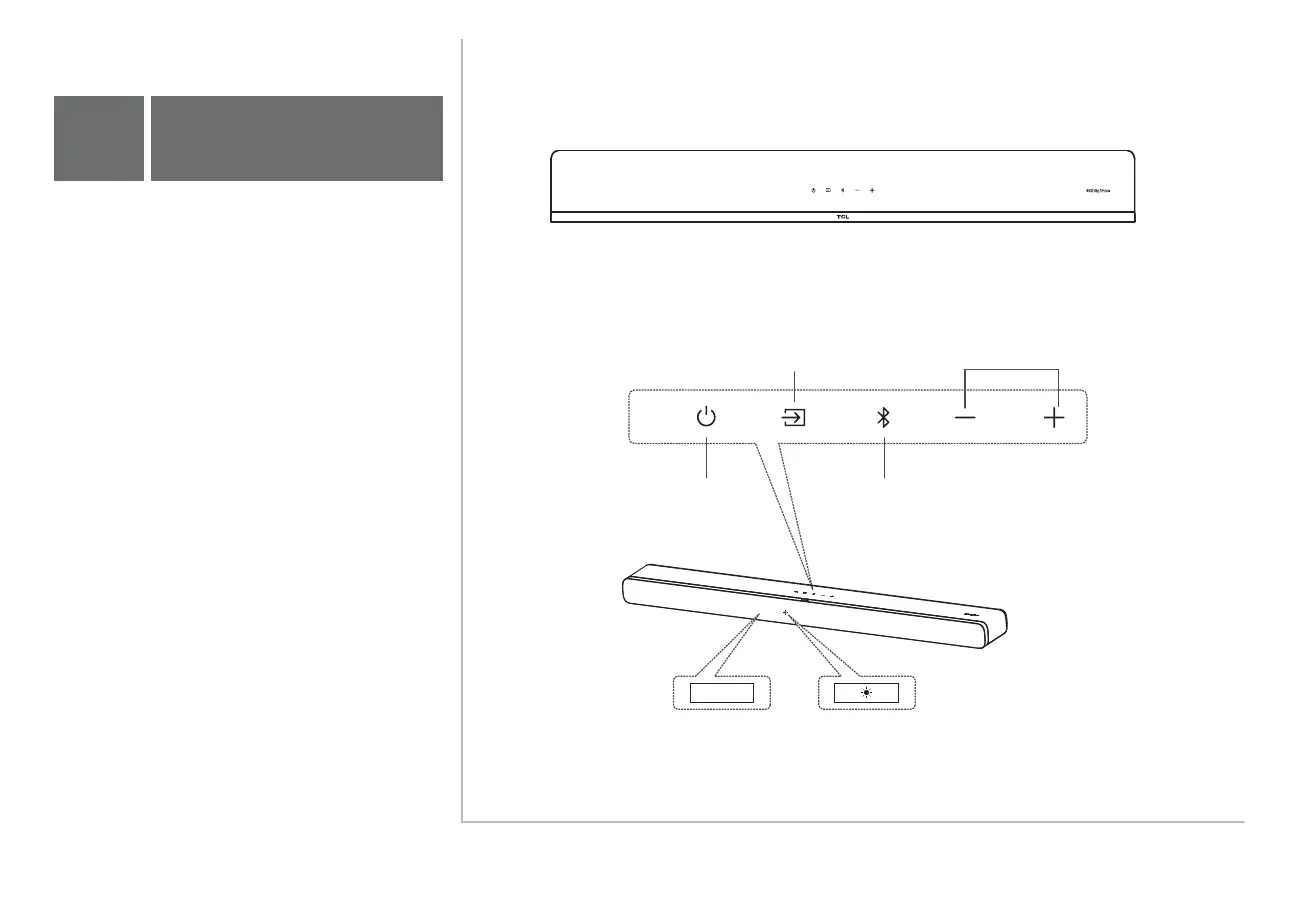
Press to select the Bluetooth source.
Press and hold to enter pairing mode.
Press to switch the audio source
among HDMI ARC/USB/OPT
/BT/AUX/ modes.
Press to increase
or decrease the
volume level.
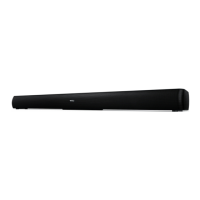
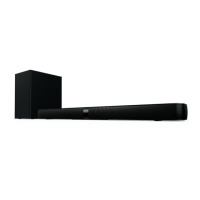
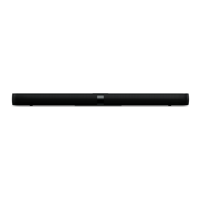
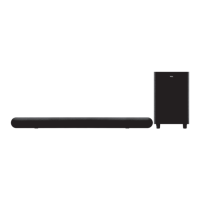
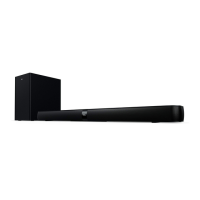
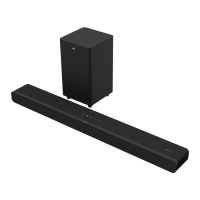
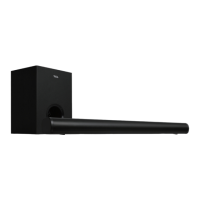
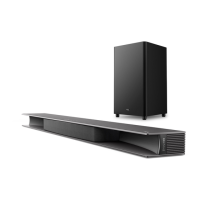
Sound Bar main unit
Volume buttons:Source button:
Power button:
Bluetooth button:
Press to enter SLEEP
mode. Press and hold to
enter STANDBY mode
3a
Overview
LED light:
Screen display:
Indicates the
Sound Bar
status.
Indicates Wi-Fi connection
(e.g. Not connected: blink twice rapidly.
Connected: keep lighting up for one second)
HELLO
HELLO



 To Next Page